A Kubernetes desktop client that keeps up with your cluster.
Sternpost talks to the API server directly, subscribes instead of polling, and stays under 600 MB with 10,000 pods in the list.
Private beta, for professional use · macOS, Windows, Linux · Can read your existing kubeconfig; nothing to set up.
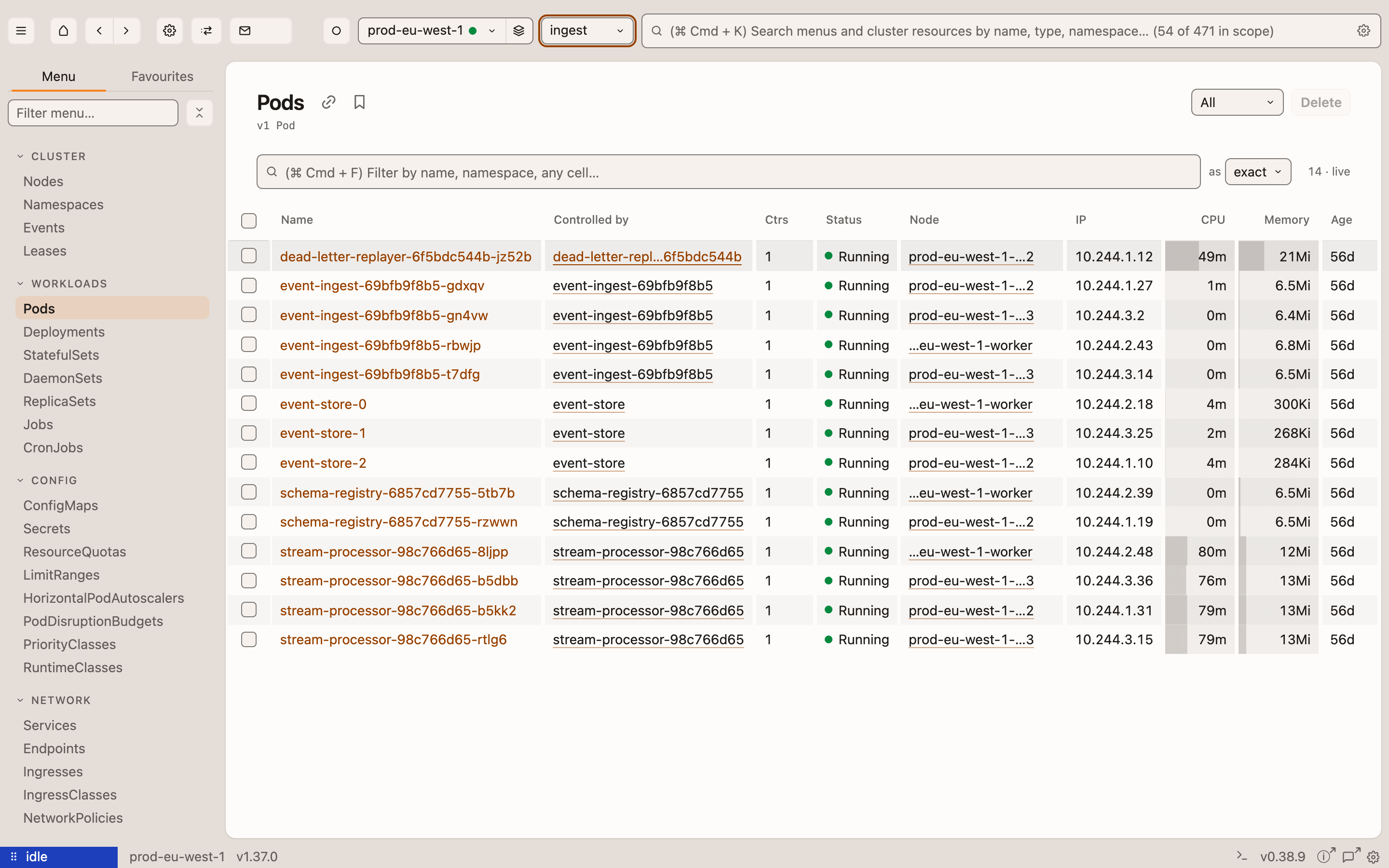
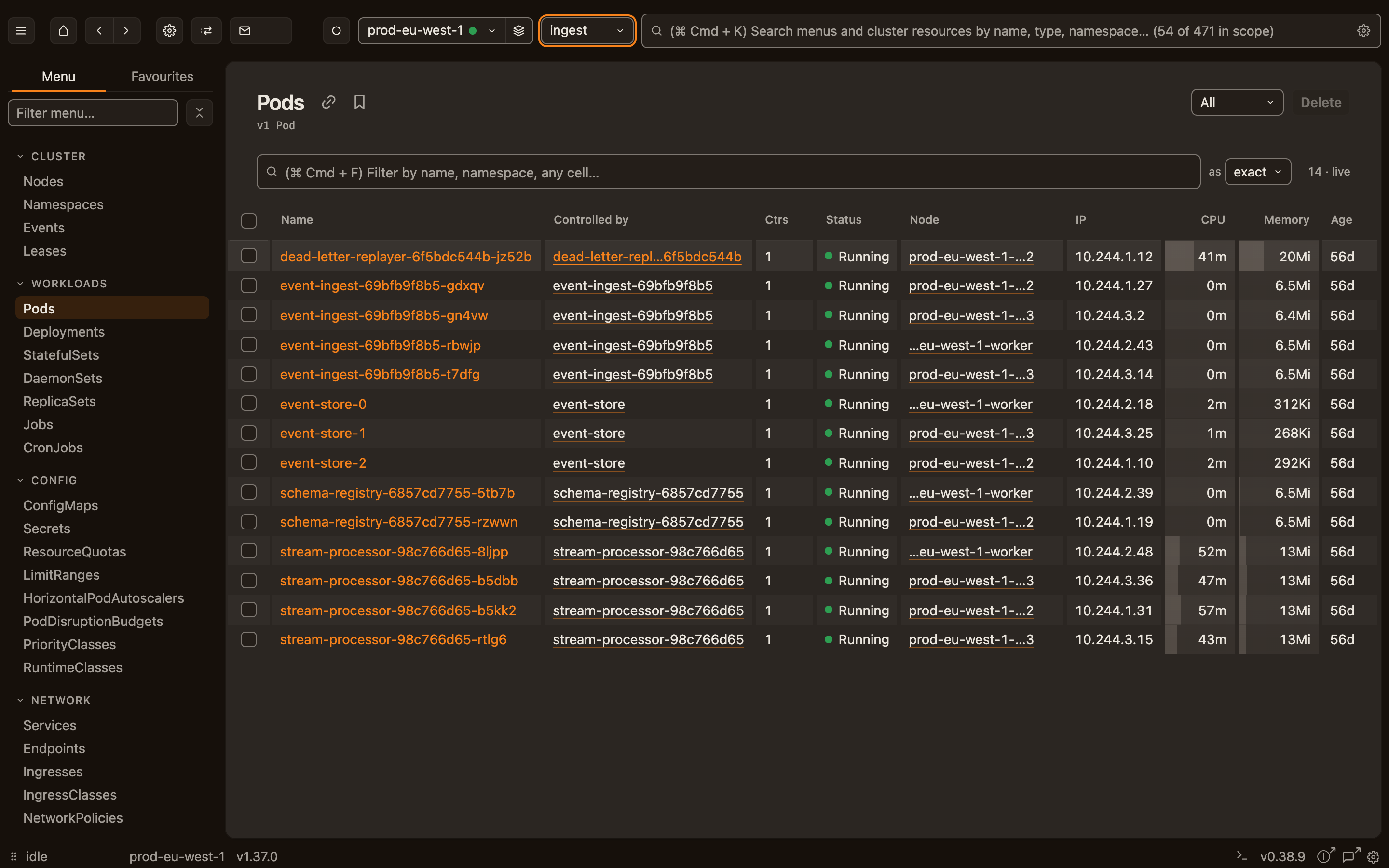
Live, not refreshed.
Every list is a Kubernetes watch. A pod restarts, the row changes. No refresh button, no polling interval, no "last updated 30s ago".
No kubectl required.
Logs, exec, port-forward and rollouts speak the API server's own protocols. Your kubeconfig is enough — tokens, client certificates and exec plugins all work.
Light on purpose.
It watches the twelve kinds you search for, not the whole cluster. Custom resources load when you open them. Memory starts near 300 MB and grows by about 30 MB per thousand pods: 591 MB with 10,000 in the list.
Better than the one you're using.
Four things the desktop client on your machine right now gets wrong.
Port forwards that survive a rollout.
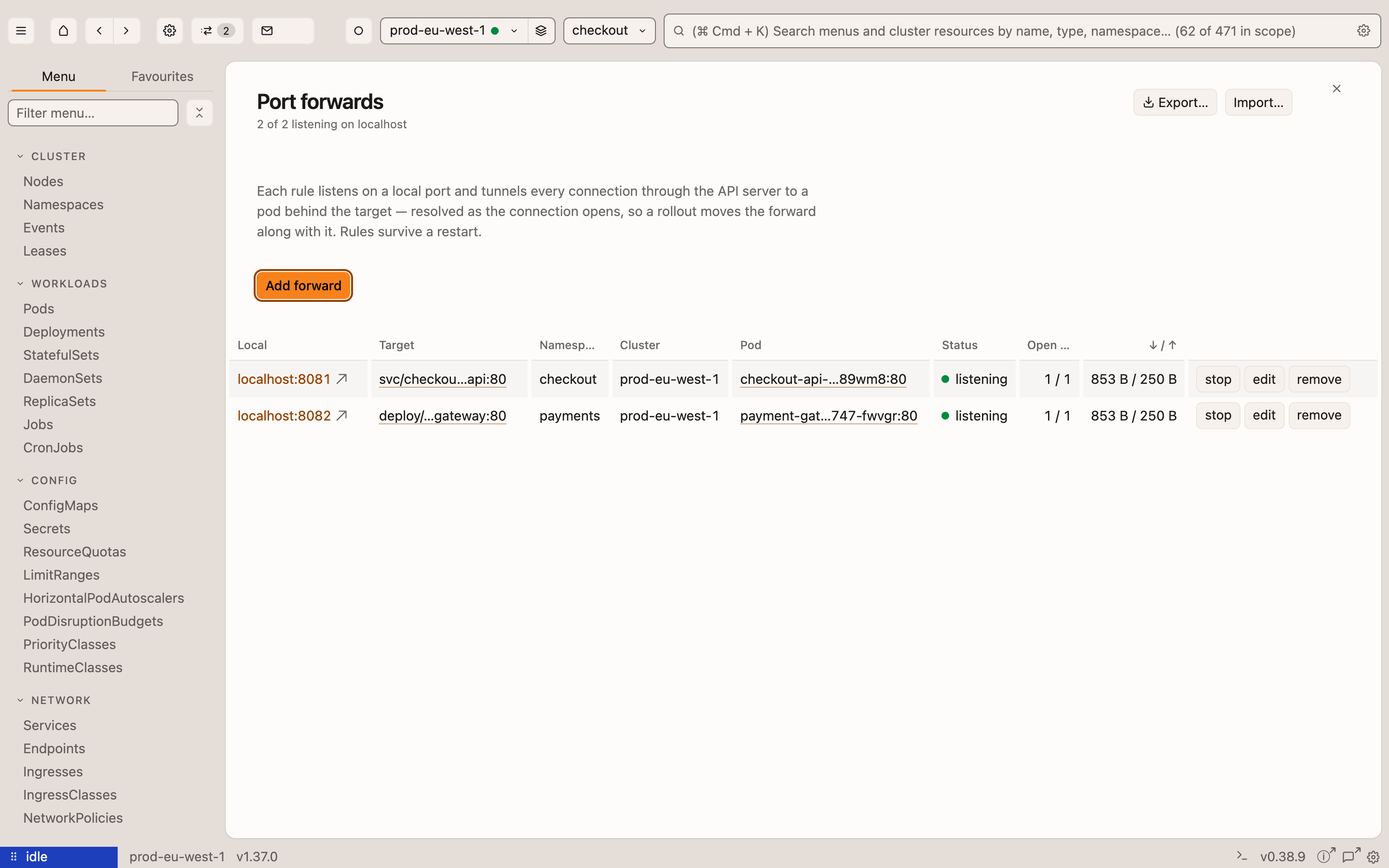
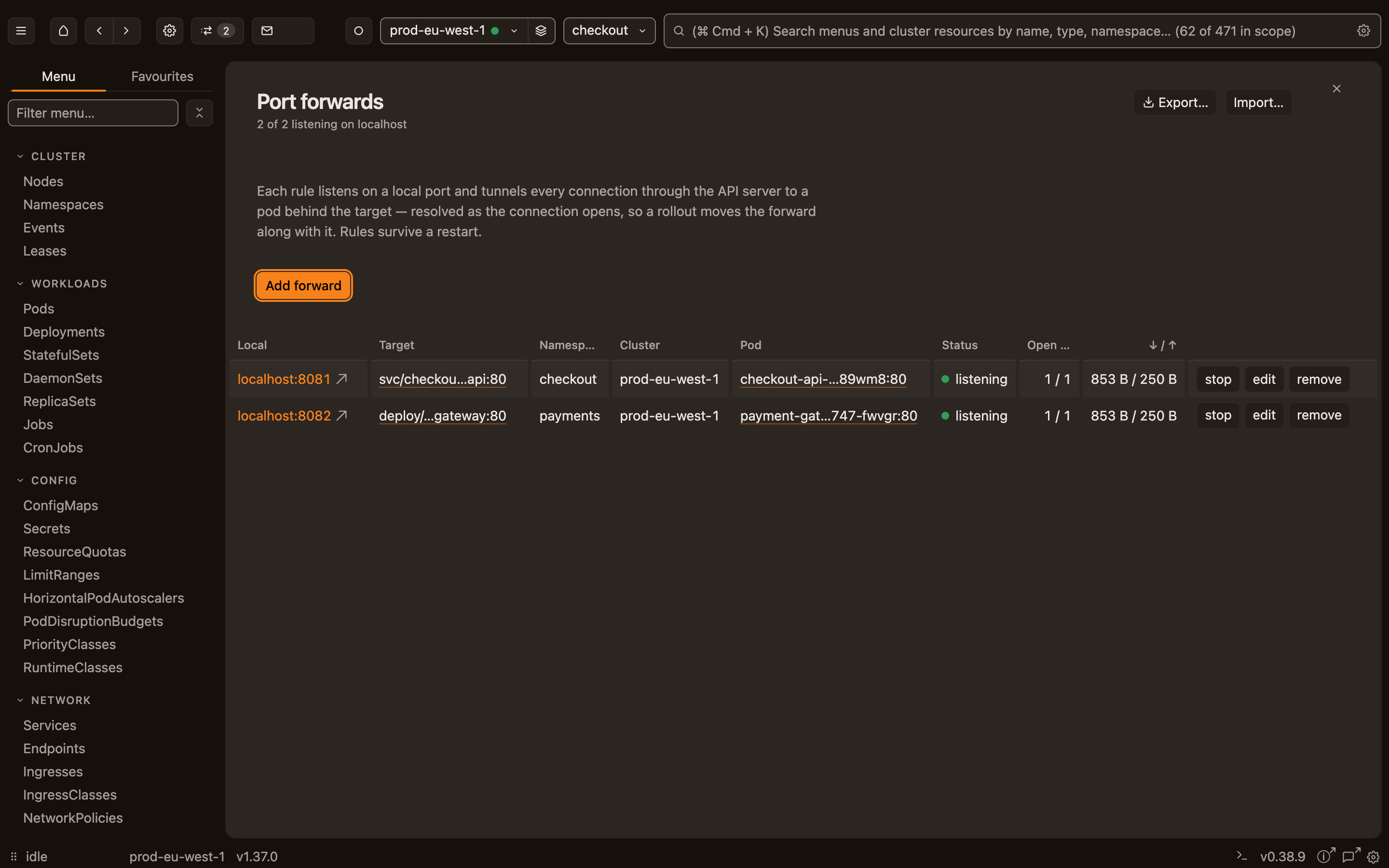
Most clients pick a pod when the forward starts and die with it. Sternpost picks a Ready pod per connection: a rollout, a crash or a scale-down costs you only the connections that were open. The rules are still there after you restart.
How it worksA Deployment's logs, not one pod's.
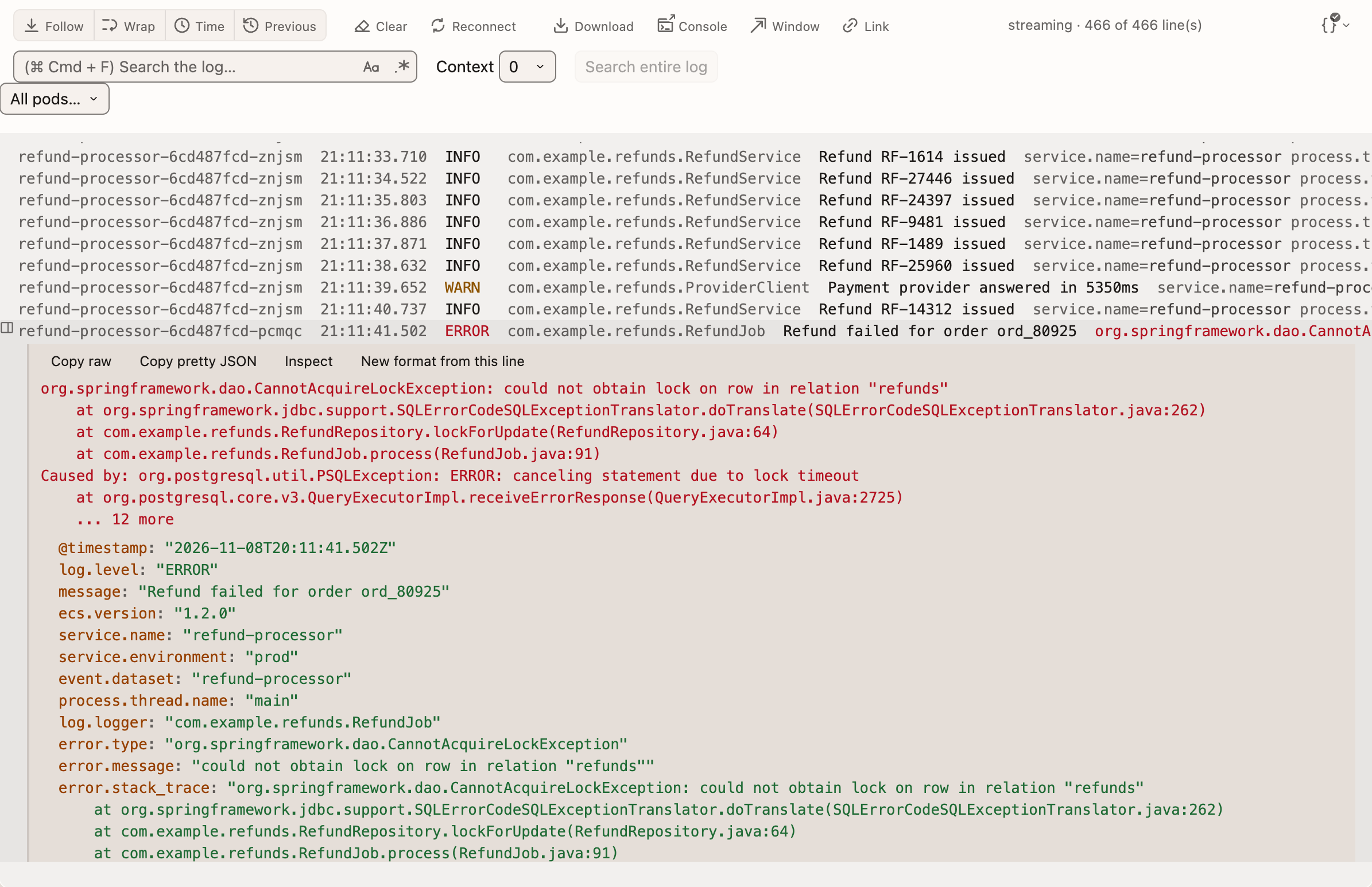
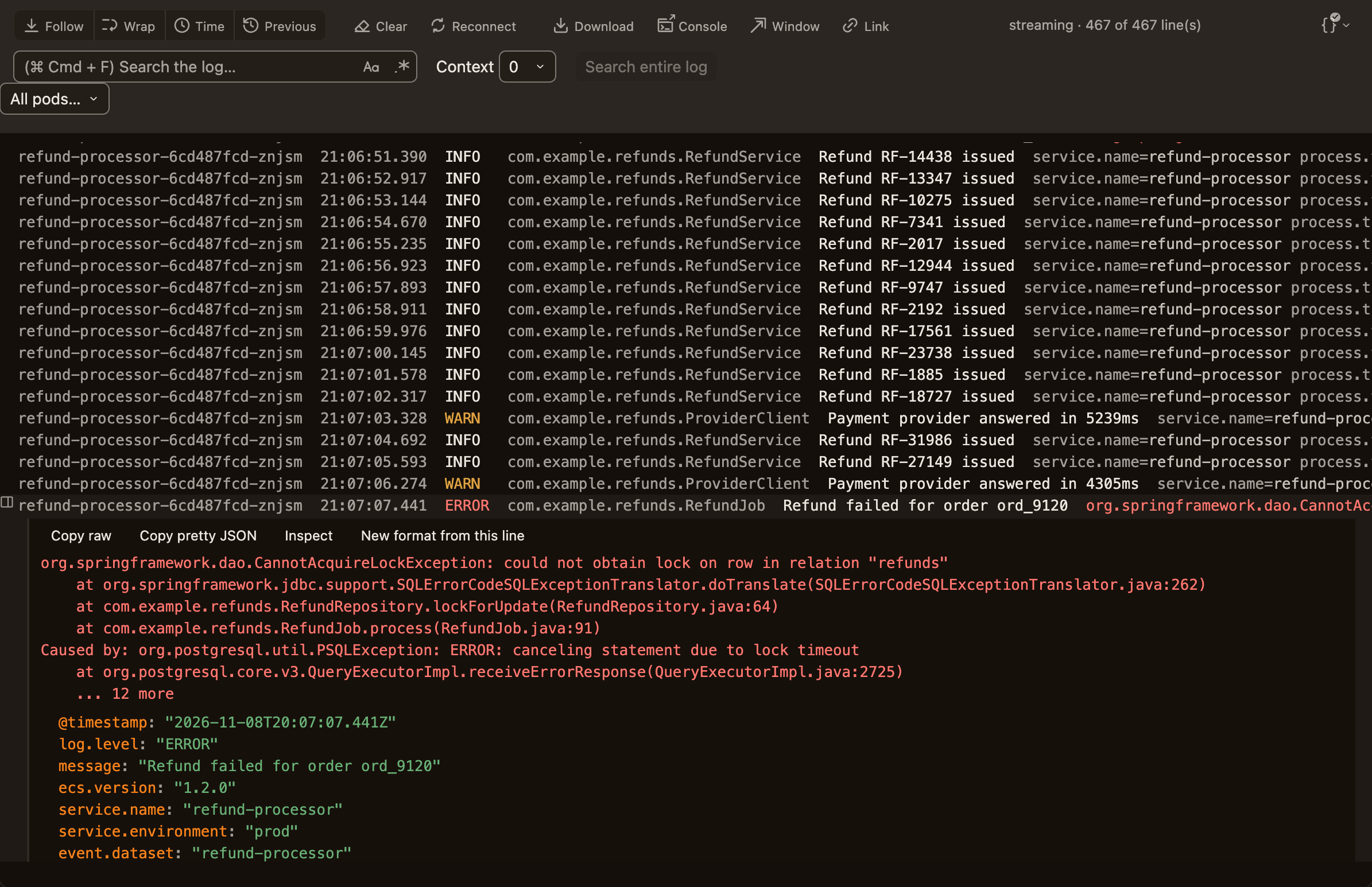
Every pod behind a workload, merged, each line tagged with where it came from. Mute a pod and the lines already on screen filter too. Drag the window to the other monitor.
How it worksWatches, not a refresh interval.
Every list is a Kubernetes watch. Nothing polls, nothing says "updated 30s ago", and a dropped watch reconnects and tells you. Measured: zero requests a minute besides the watches.
How it worksHalf the memory on a big cluster.
With 10,000 pods in the list, every one of them live, Sternpost uses 591 MB. Freelens needs 1 GB, k9s 1.1 GB. It watches the twelve kinds you search for, not everything, and custom resources load when you open them.
See the numbersAnd the rest of the day.
Everything else it does. Each one opens on the features page, where the detail is.
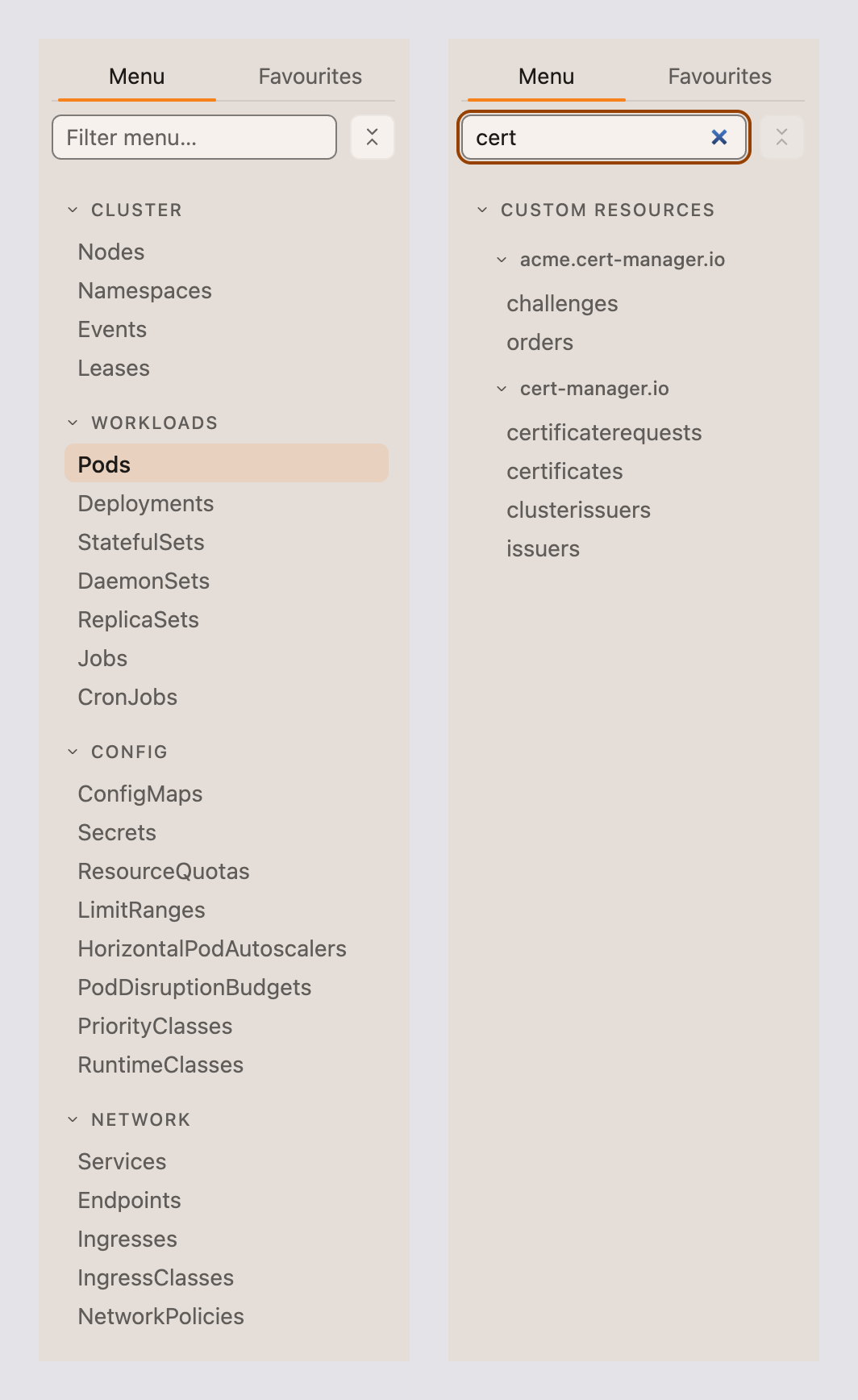
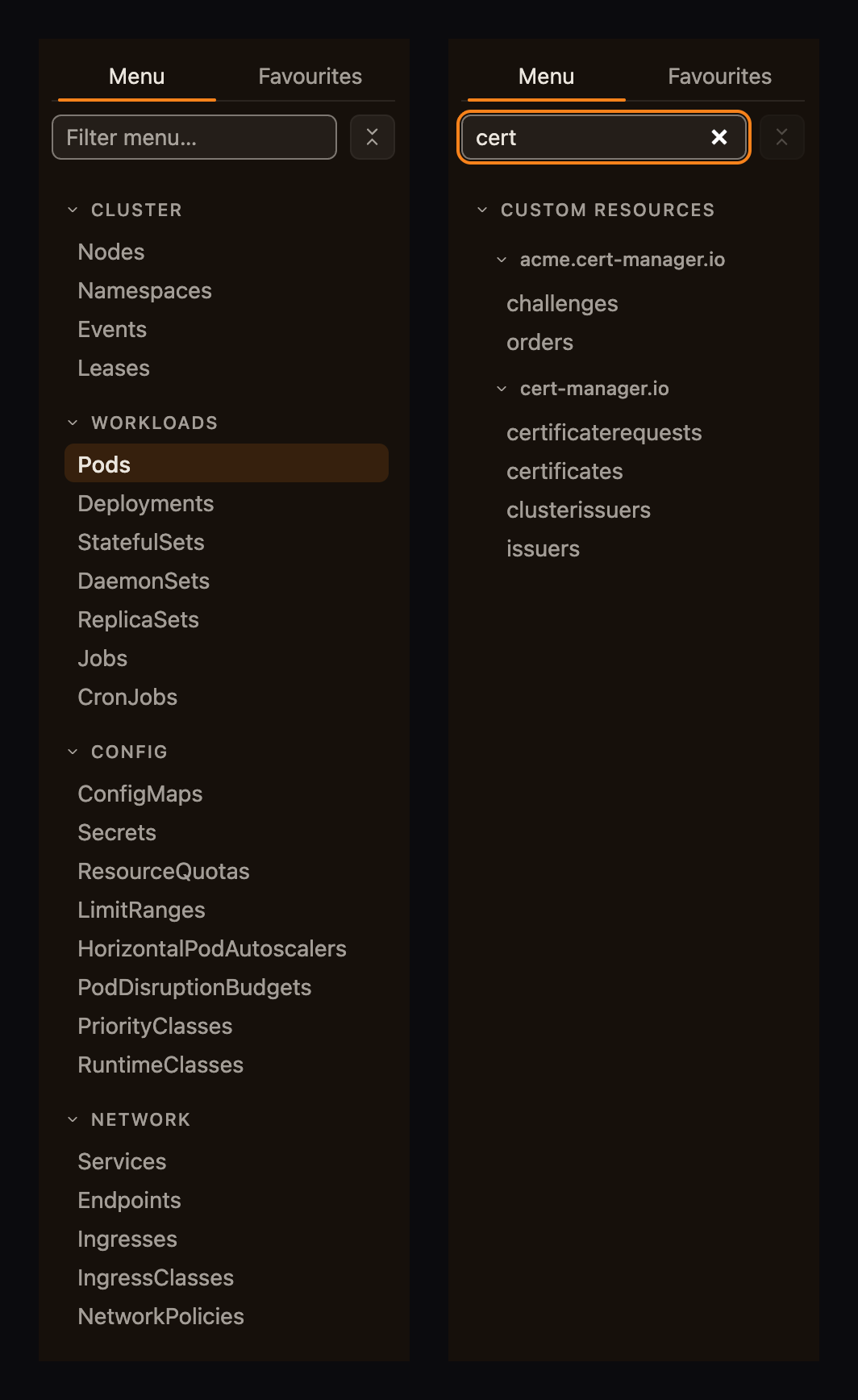
Every kind, two ways to find it.
Workloads, grouped like every desktop client, or API groups, like kubectl api-resources. Type to narrow it; nothing refetches.
More →
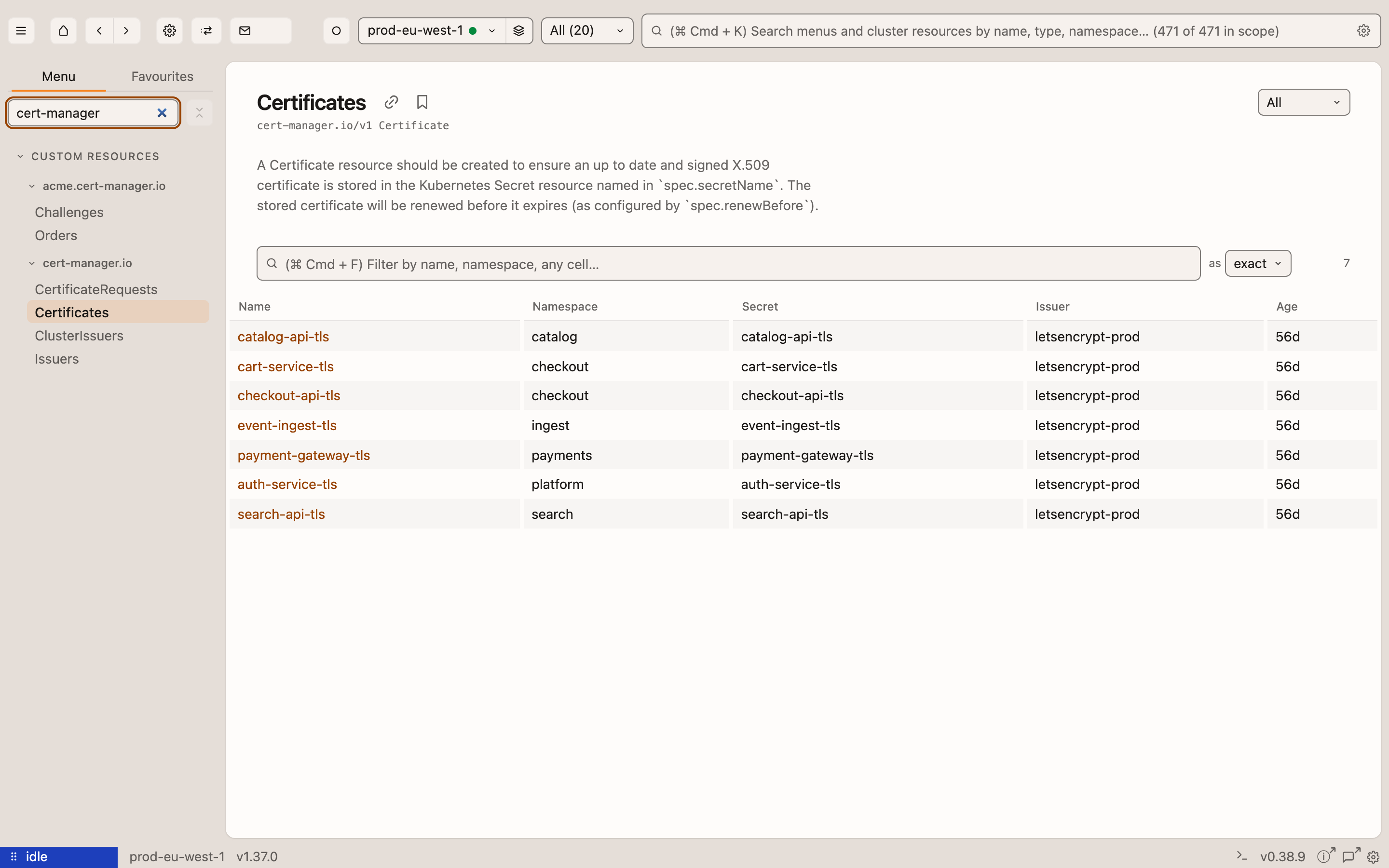
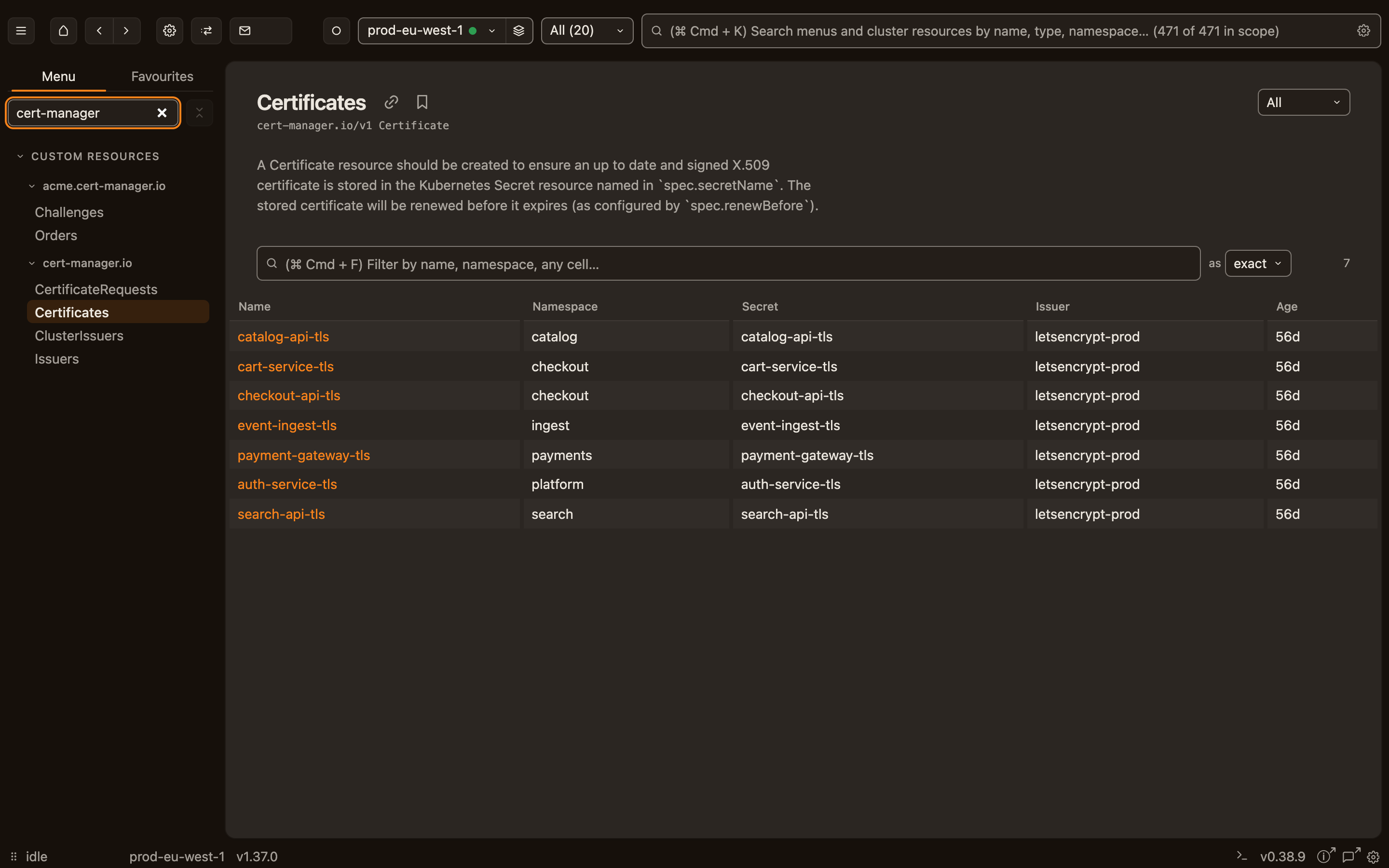
Your operators' types, without a plugin.
cert-manager, Argo, KEDA: discovered on connect, listed with the columns their authors chose, linked to what they own.
More →
Watches, not polling.
List once, then hold a watch: a pod restarts and the row changes, with no refresh interval to wait out.
More →
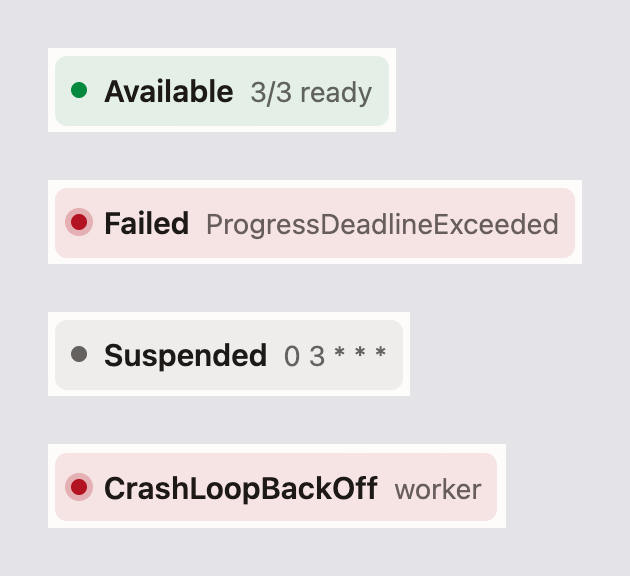
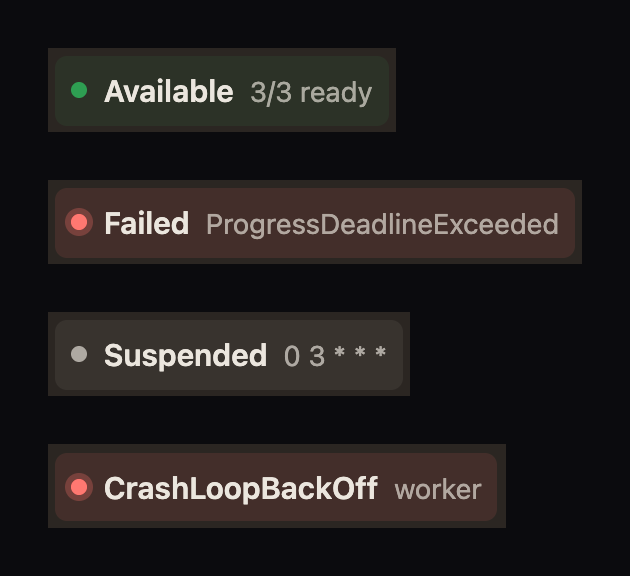
One word on how it's doing.
Running, Rolling out 2/3, CrashLoopBackOff — derived the way kubectl rollout status would say it, live at the top of every detail page.
More →
The page knows what it's connected to.
Age, image, the Services and ConfigMaps around a Deployment, every container's state, and the Events — each name a link.
More →
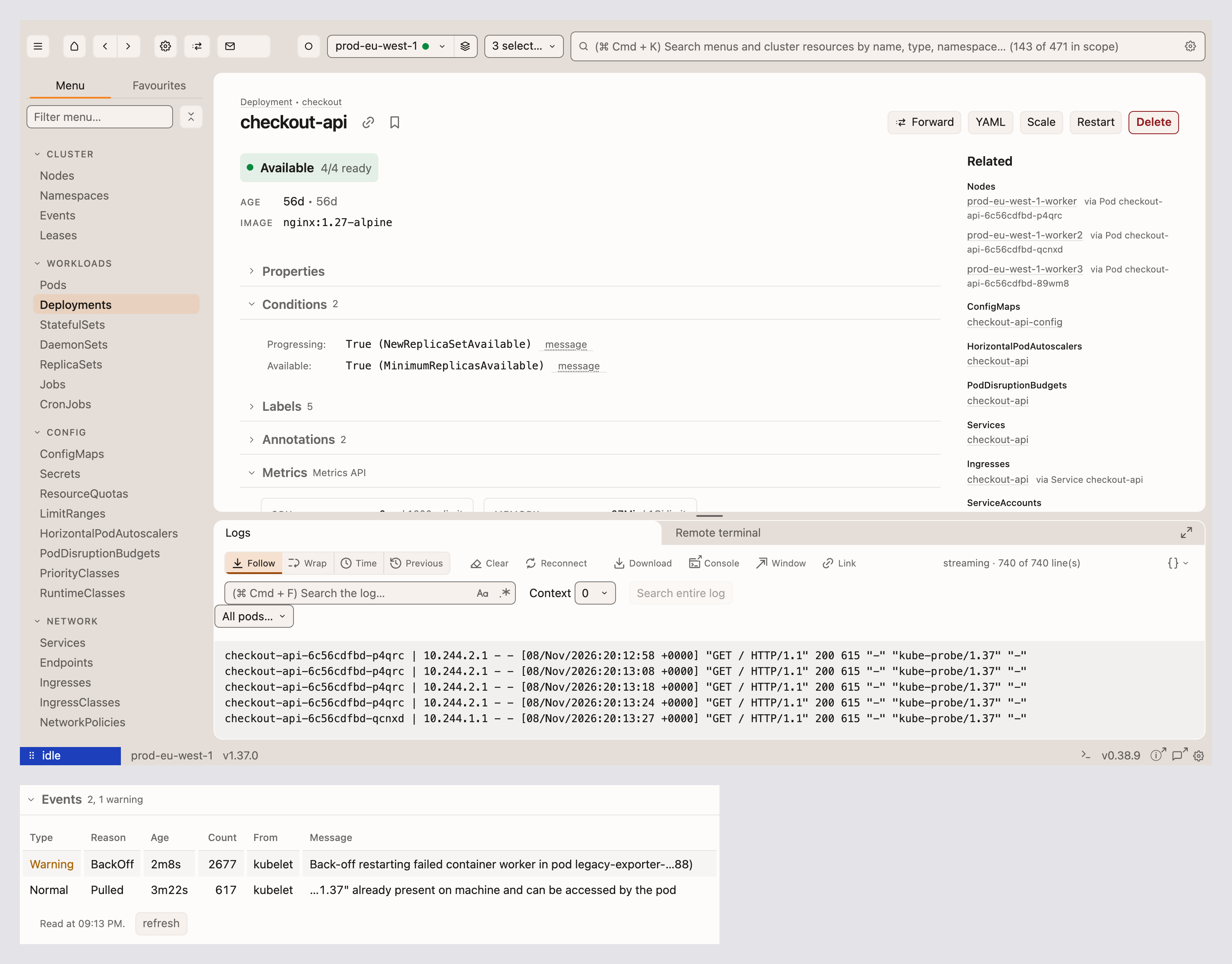
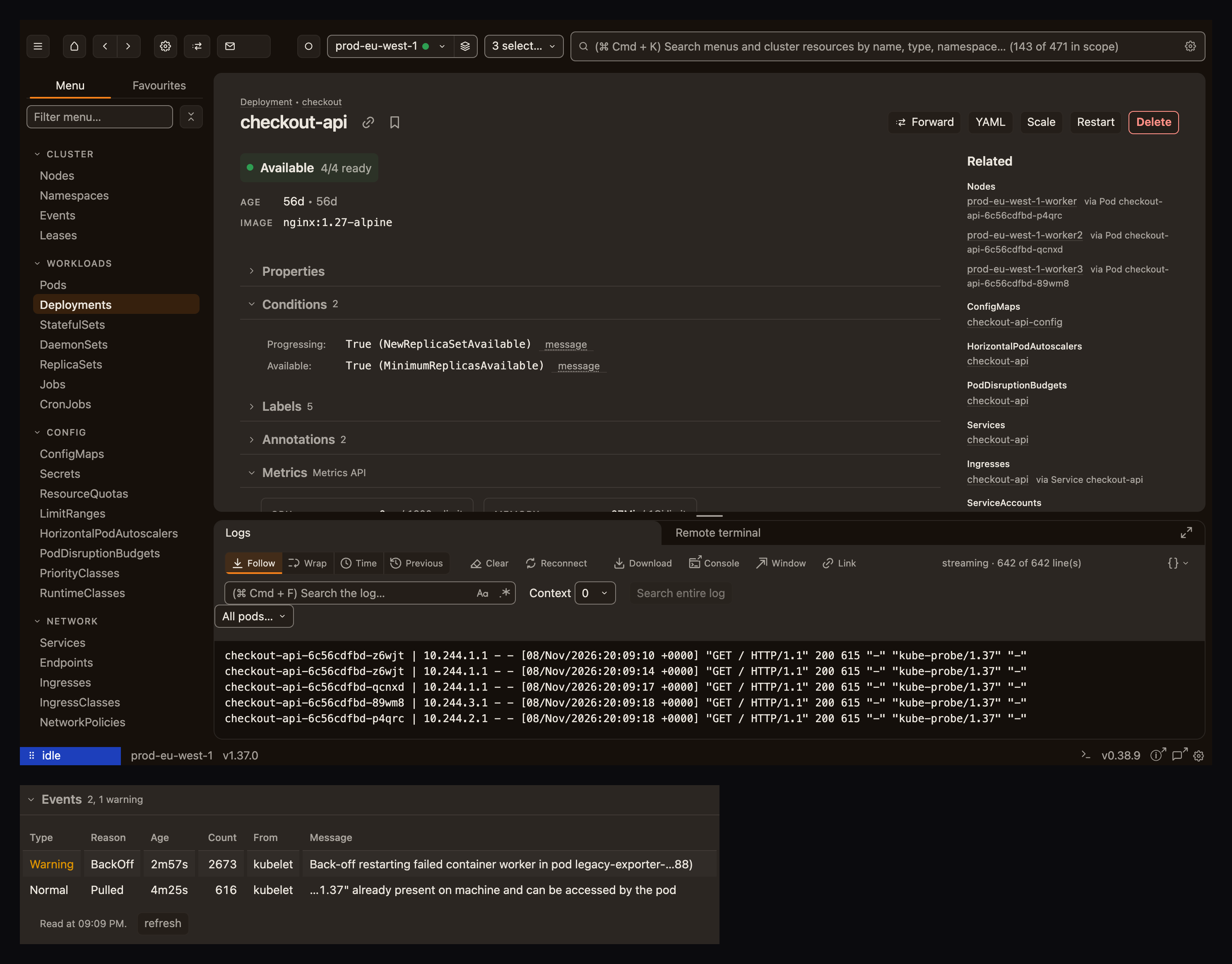
A Deployment's logs, not a pod's.
Every pod behind a workload, merged and tagged; search the whole log the cluster still has; send it to its own window or to Console.
More →
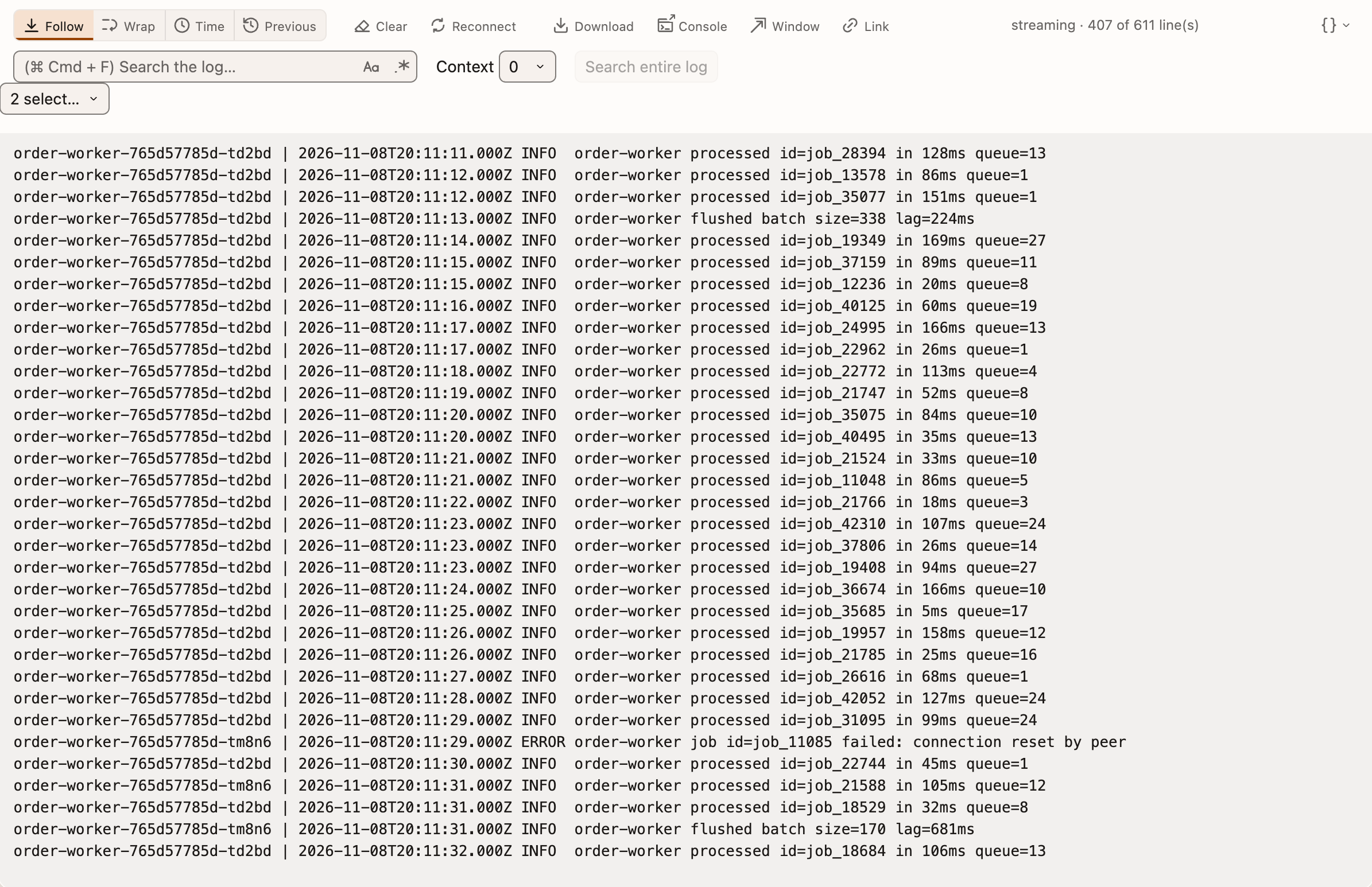
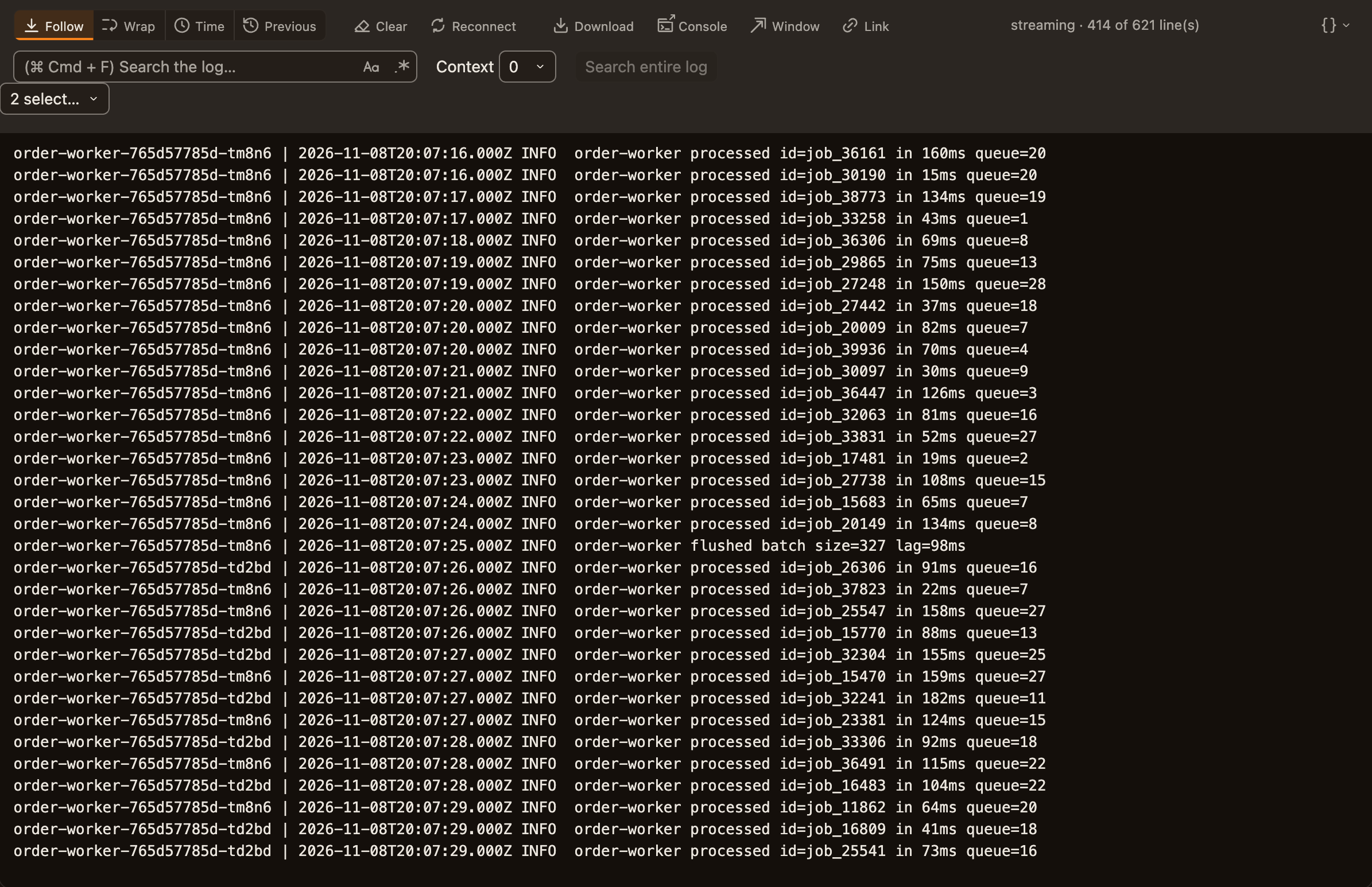
JSON logs read like logs.
Time, level and message first, the other fields as key=value, and a click opens the whole object.
More →
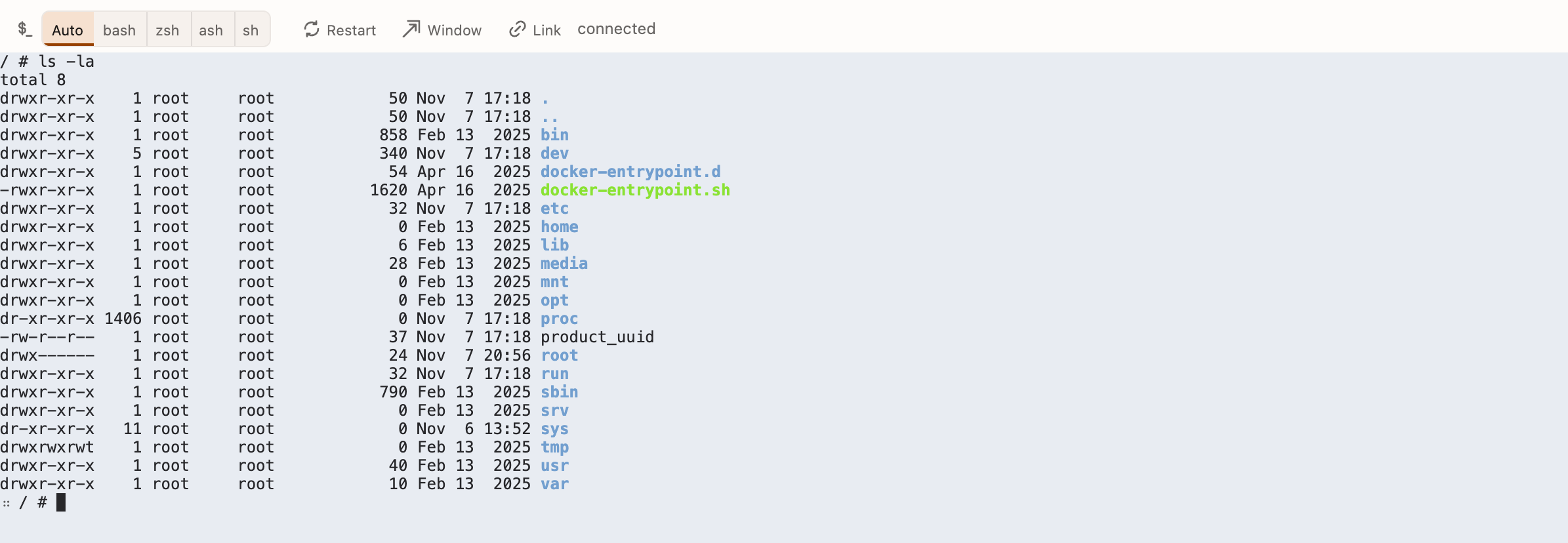
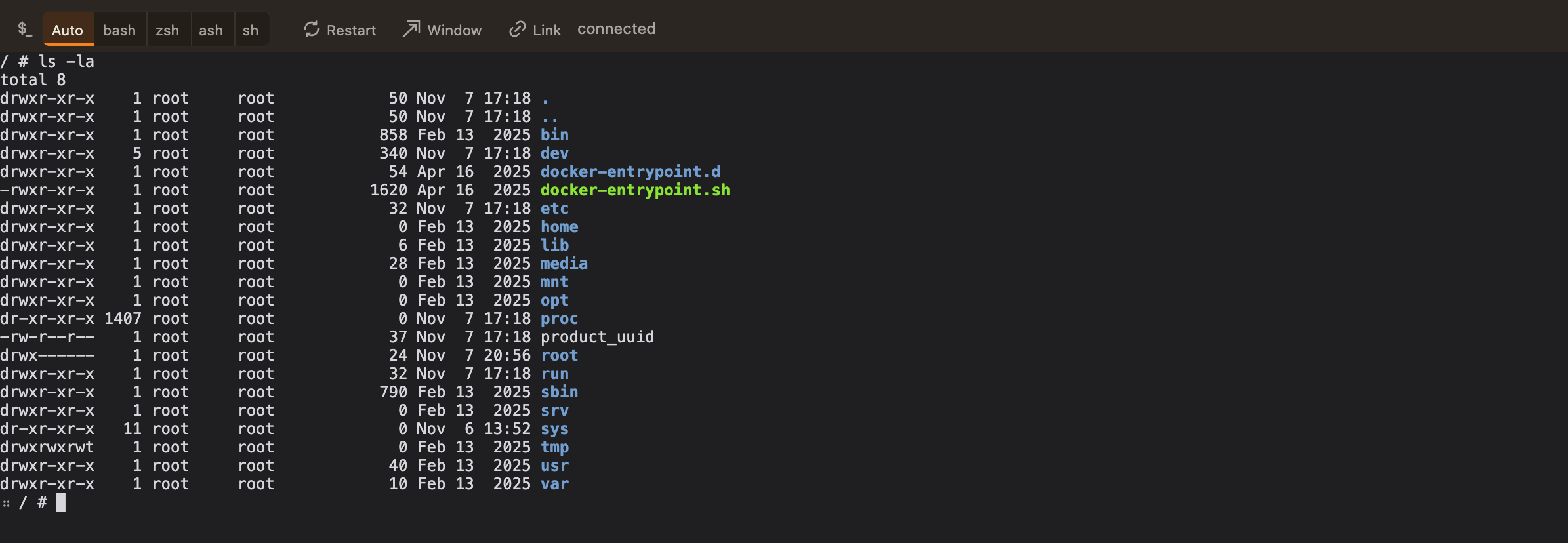
A shell in the container.
Over the exec endpoint, with the right prompt. No kubectl on PATH, and exec plugins work.
More →
Port forwards that survive a rollout.
A Ready pod is picked per connection, a refused connection doesn't kill the rule, and rules come back after a restart.
More →
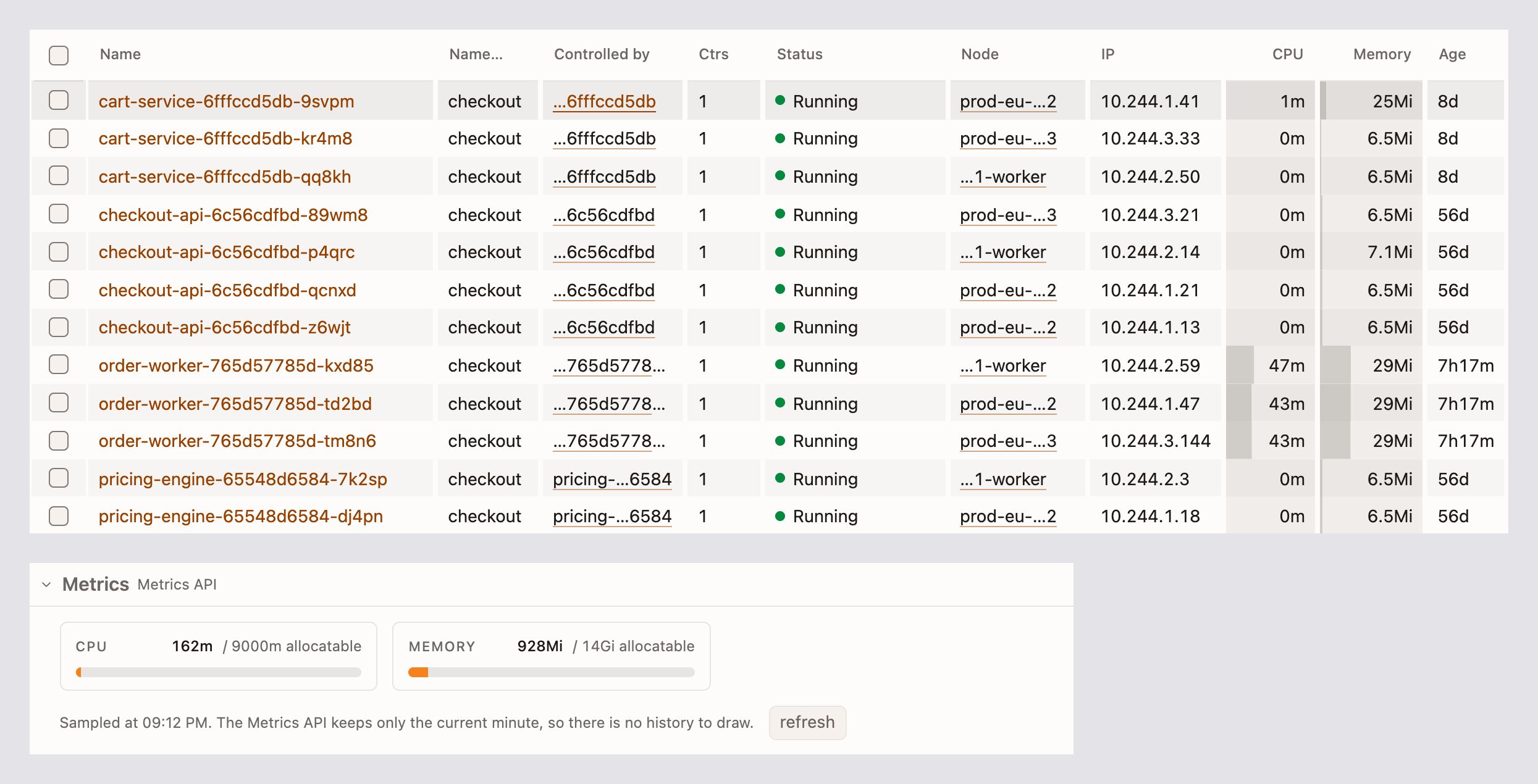
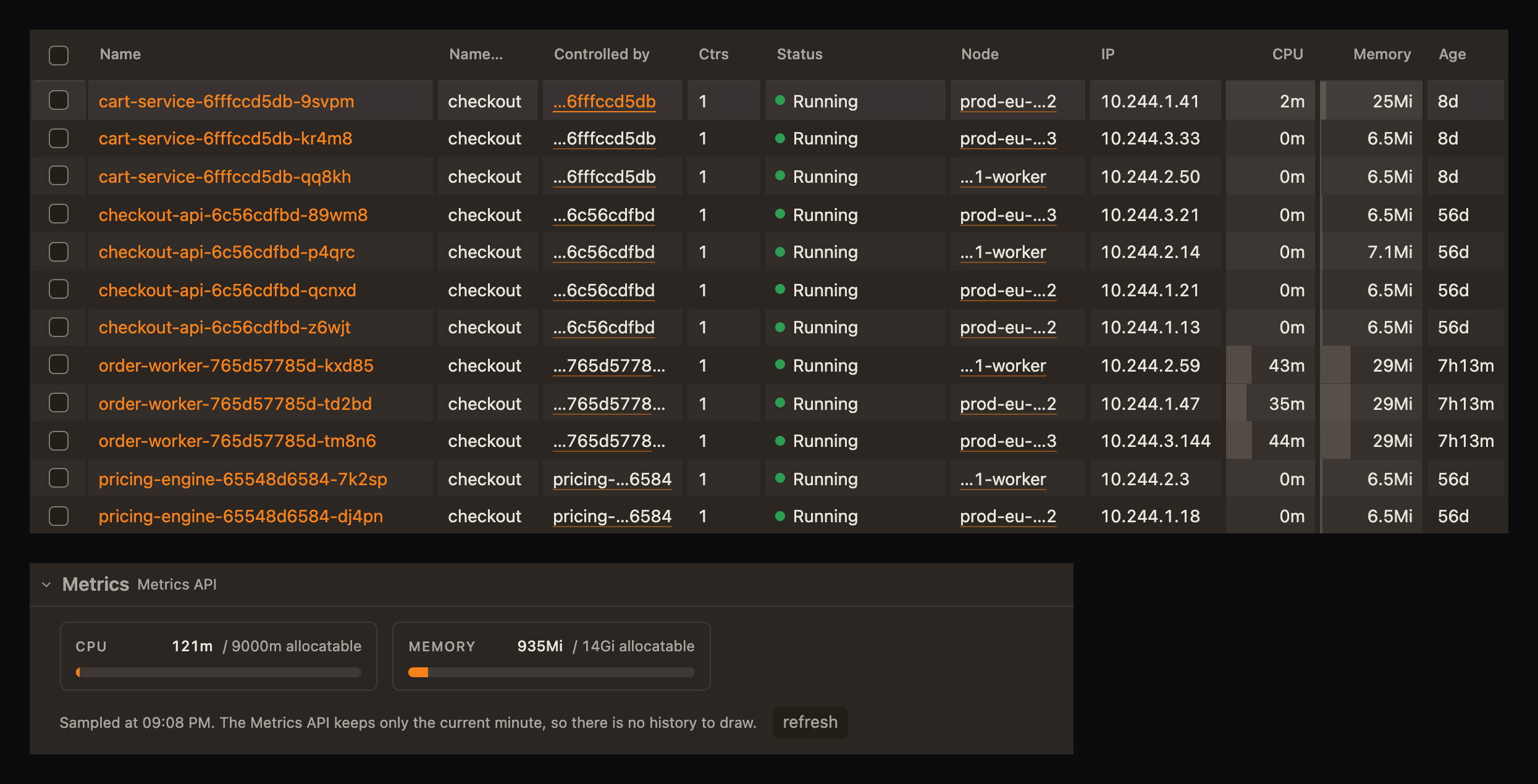
The number, and what it's a share of.
CPU and memory like kubectl top, with a line under each for its share of the limit; charts from Prometheus or metrics-server.
More →
Restart, scale, run now. Confirmed, attributable.
Each confirms first in one dialog, leaves the same marks kubectl would, and carries fieldManager=sternpost.
More →
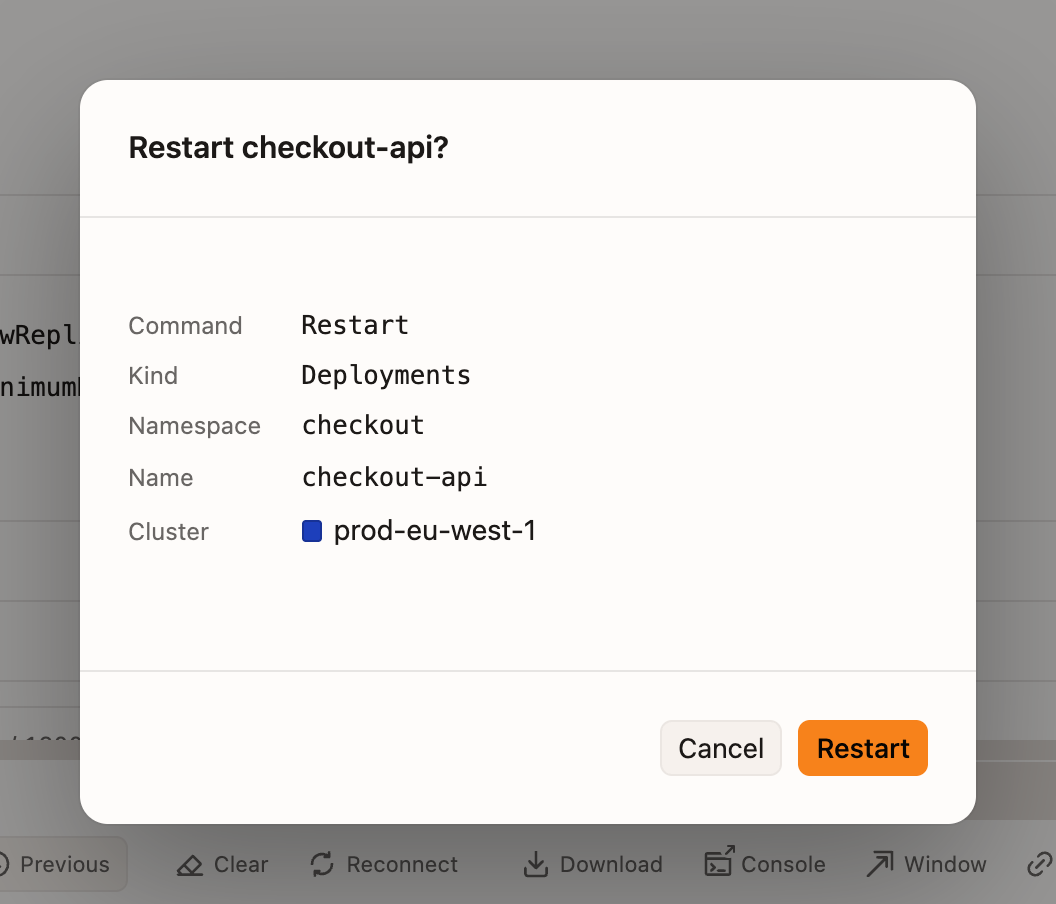
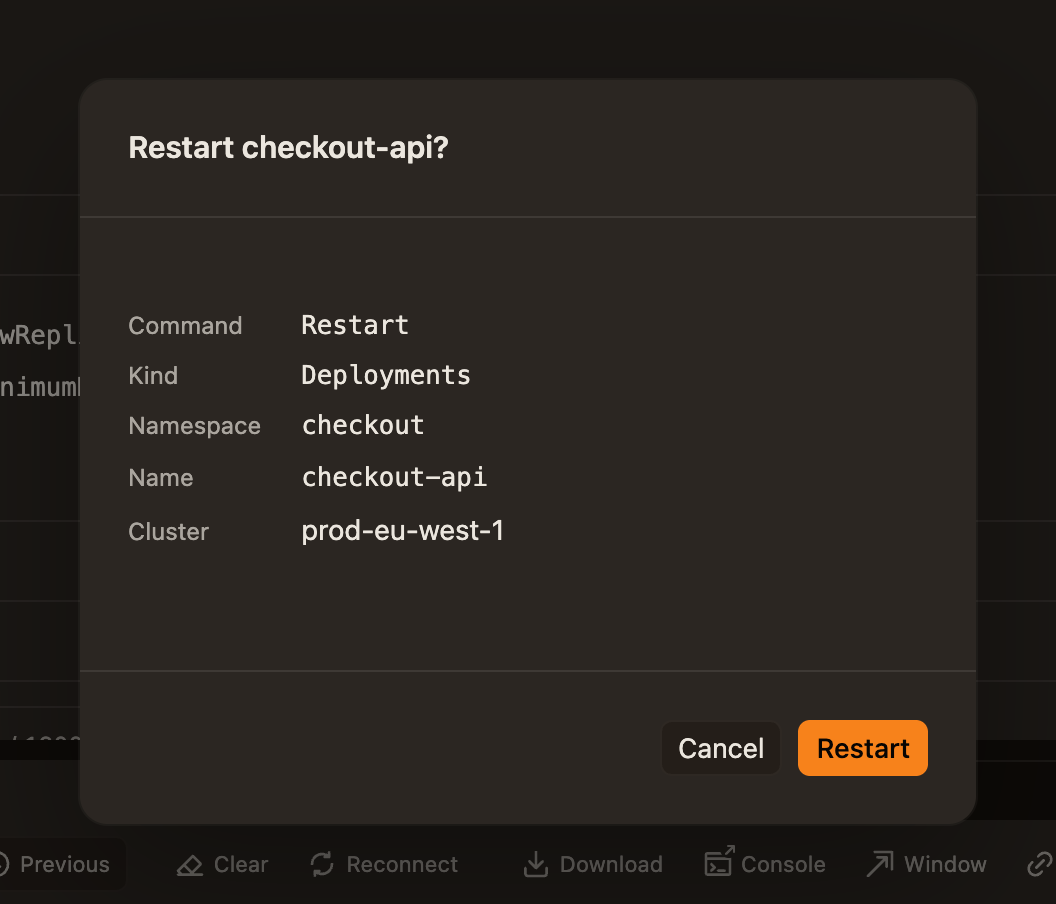
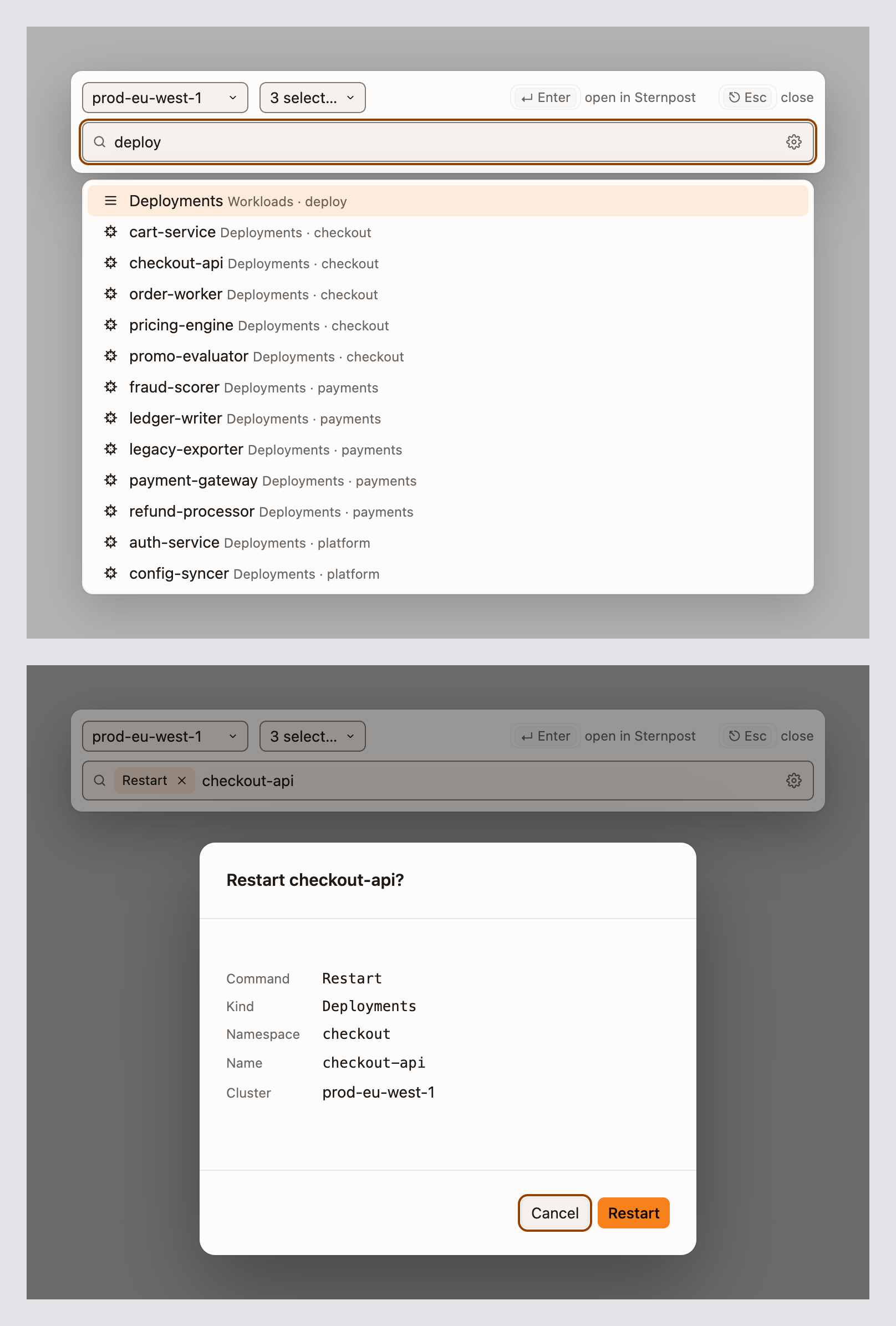
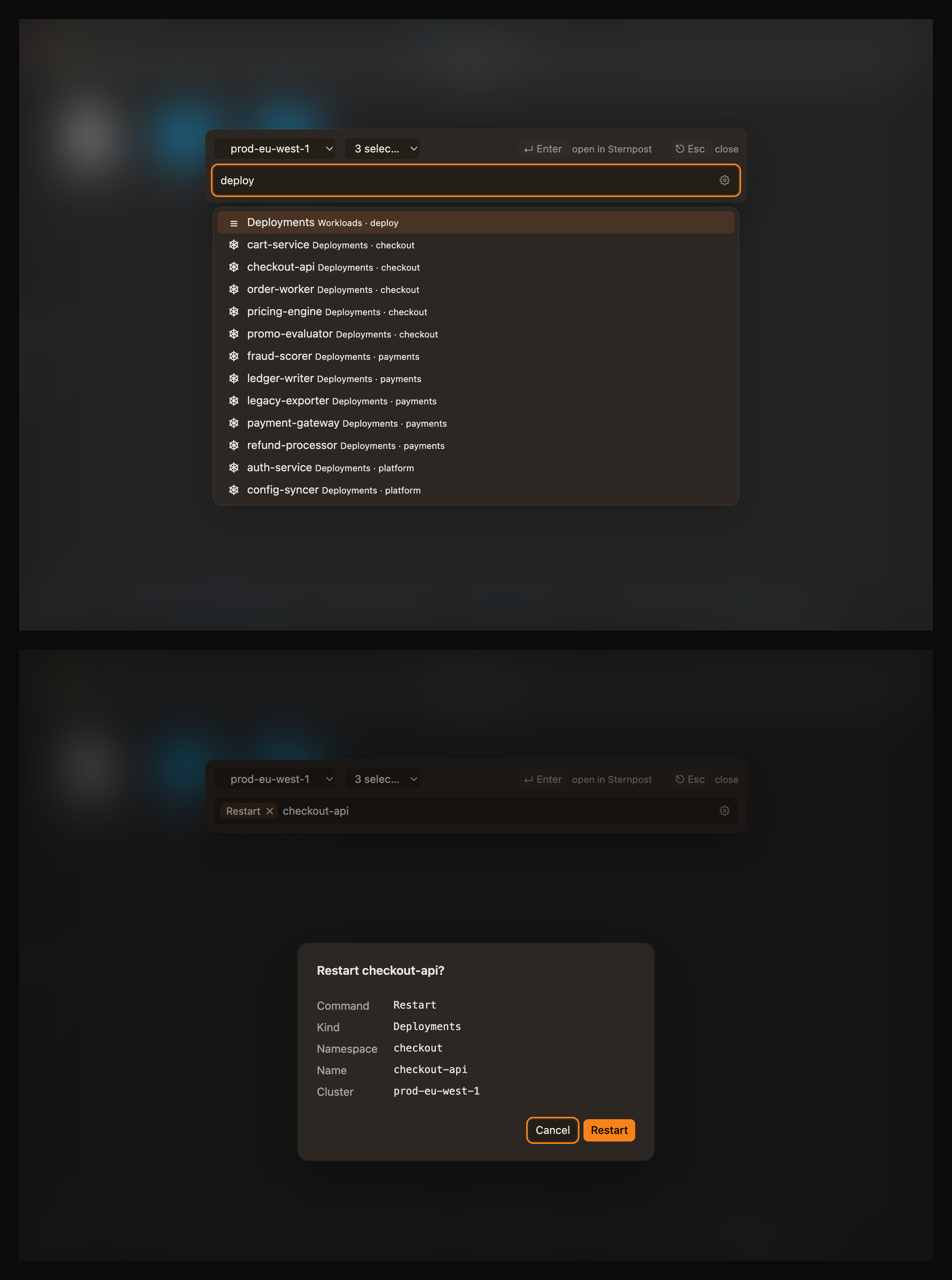
⌘ Cmd + K, then the name.
Jump to a resource by name anywhere in the cluster, or type a verb: restart, scale, forward a port, logs, settings.
More →
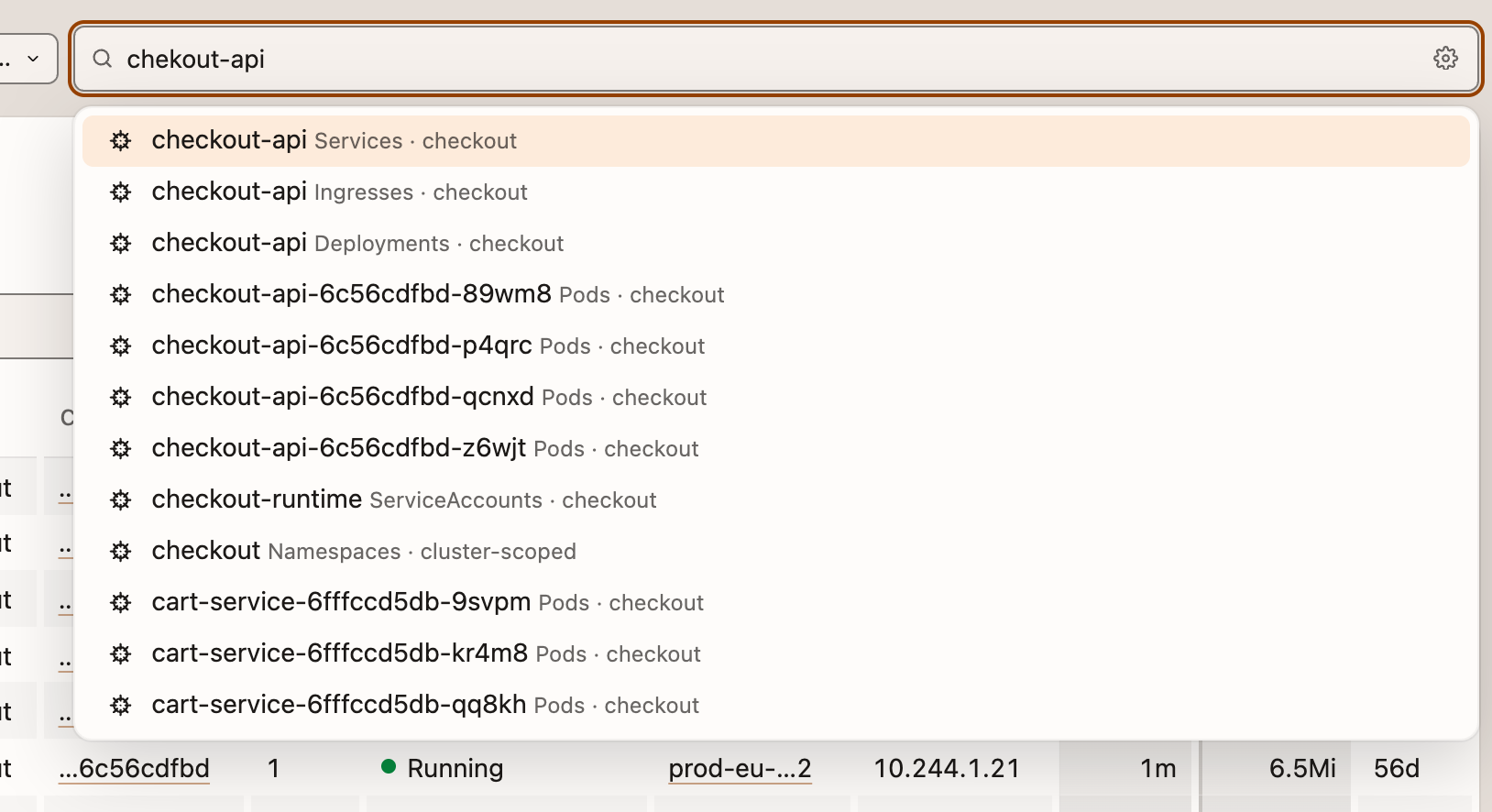
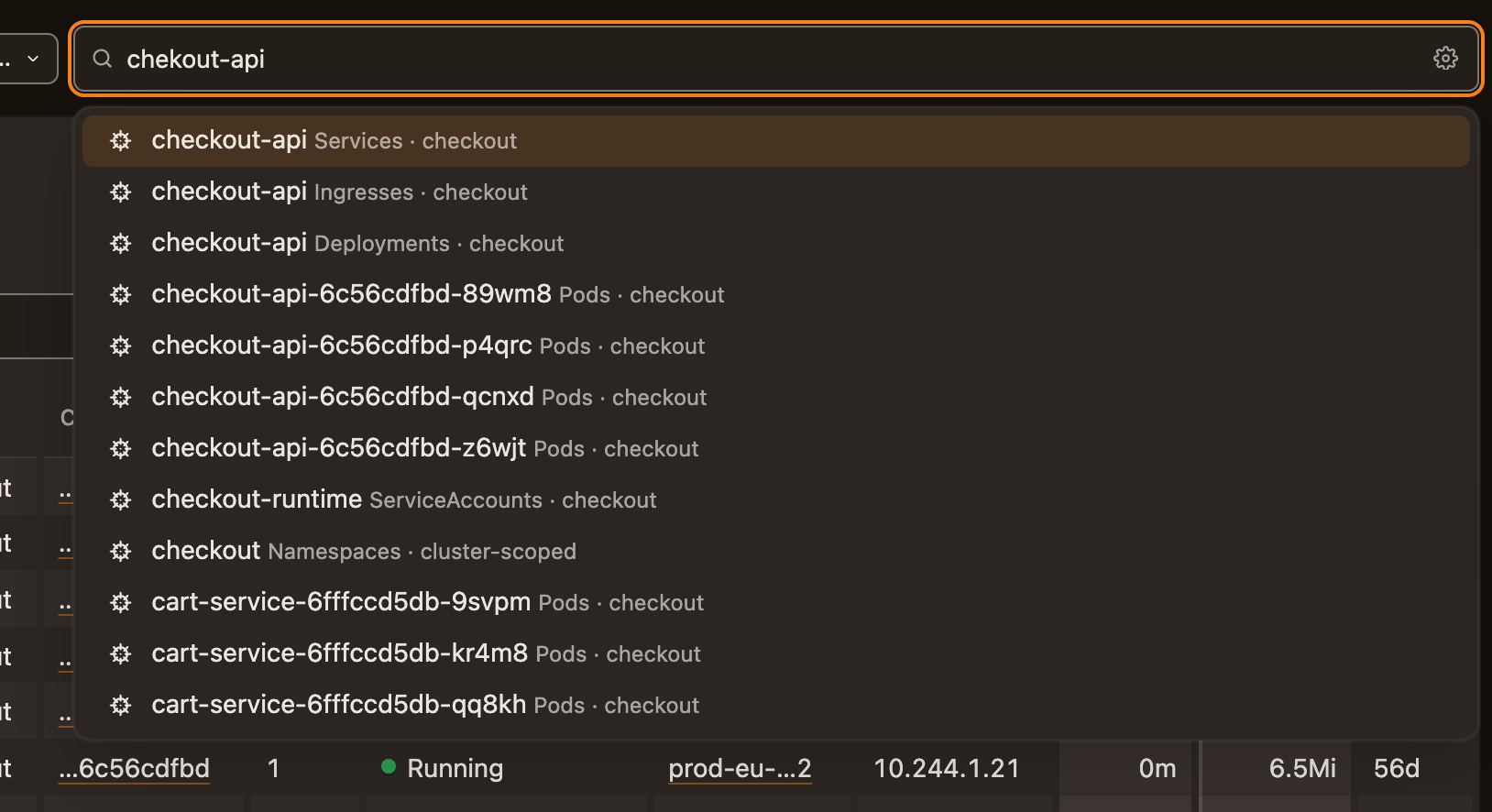
Restart it from wherever you are.
A system-wide shortcut brings the palette up over your editor, with or without a Sternpost window open.
More →
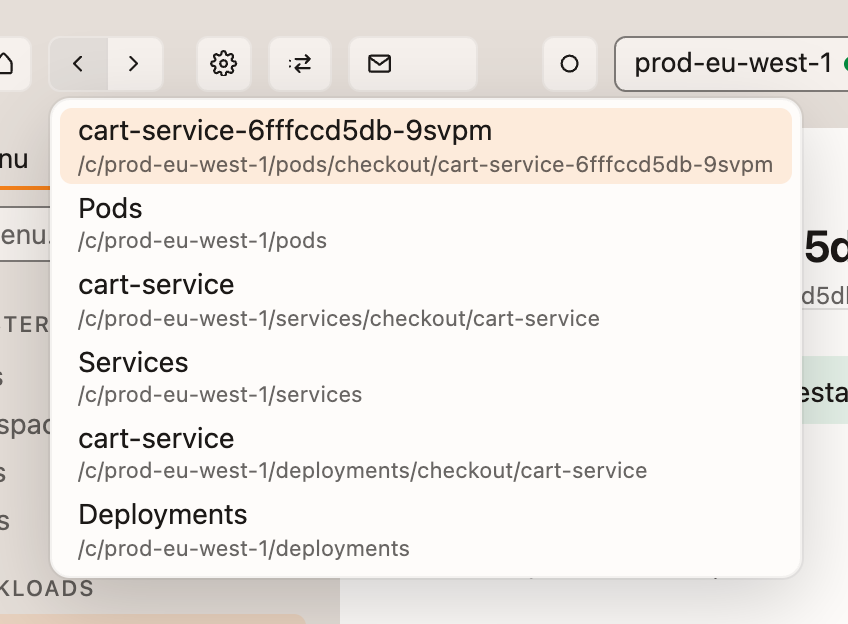
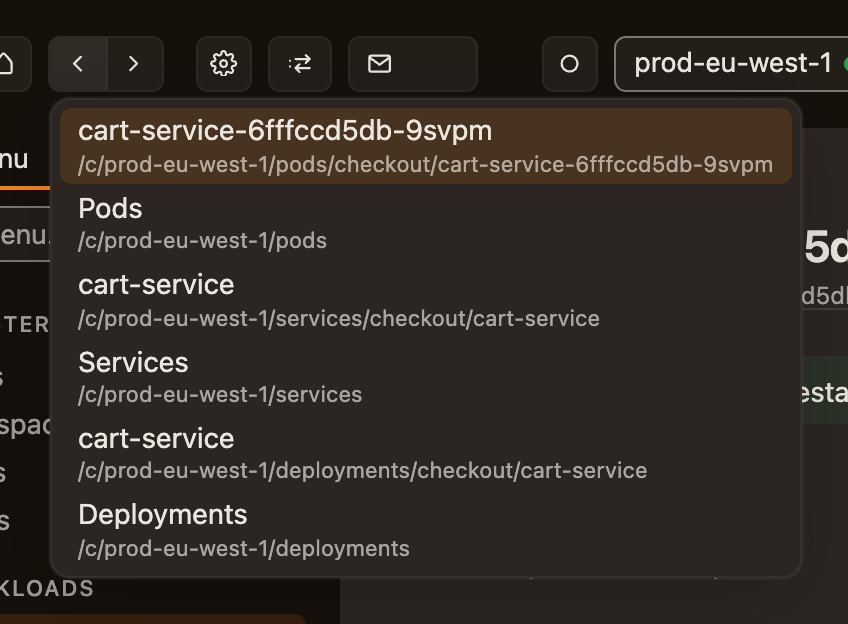
Back to where you were.
‹ and › step through the pages this window has been on; hold either for the list.
More →
Columns that measure themselves.
Sized to what's in them, nothing wraps mid-word, and a Controlled by column one click from the owner.
More →
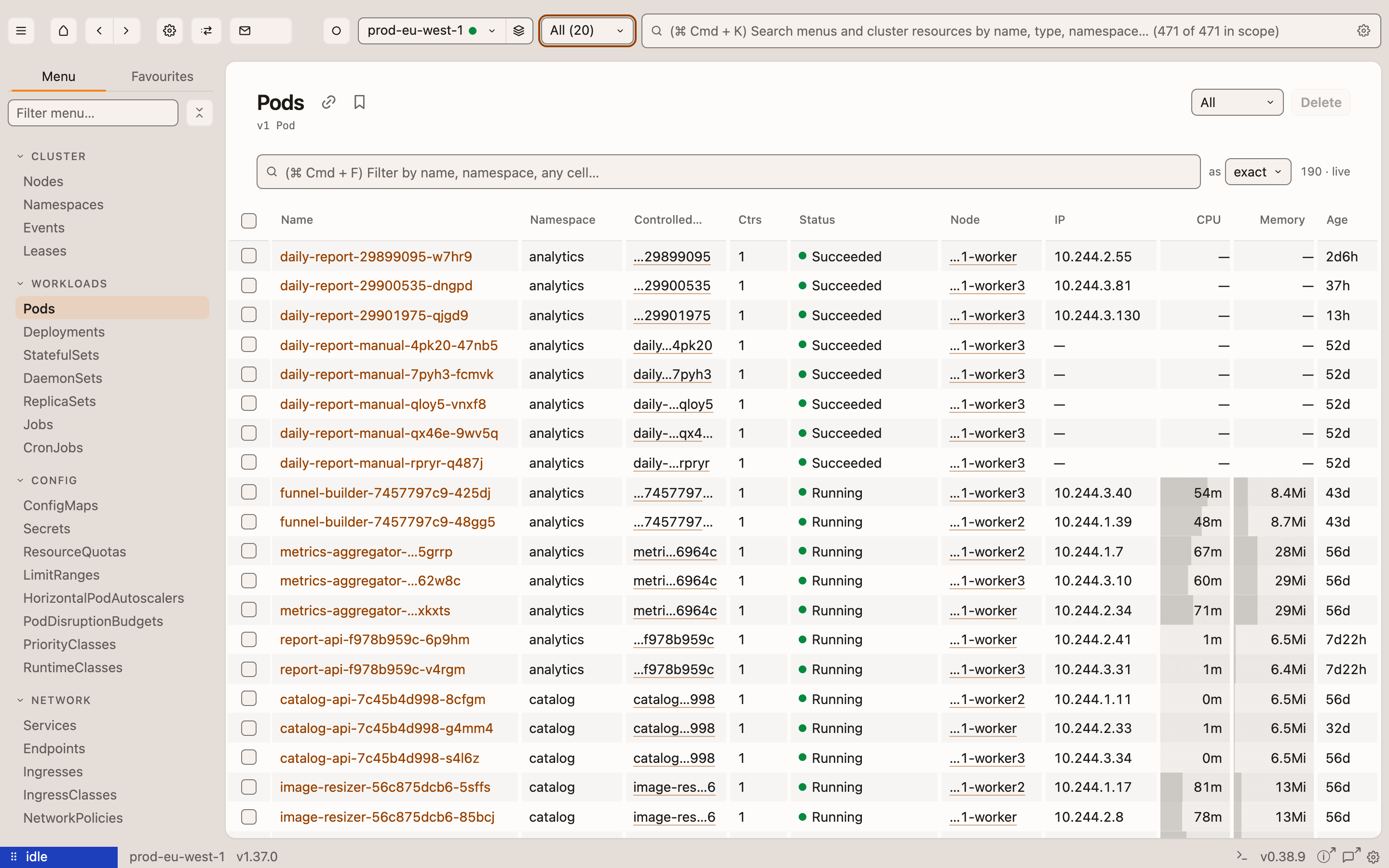
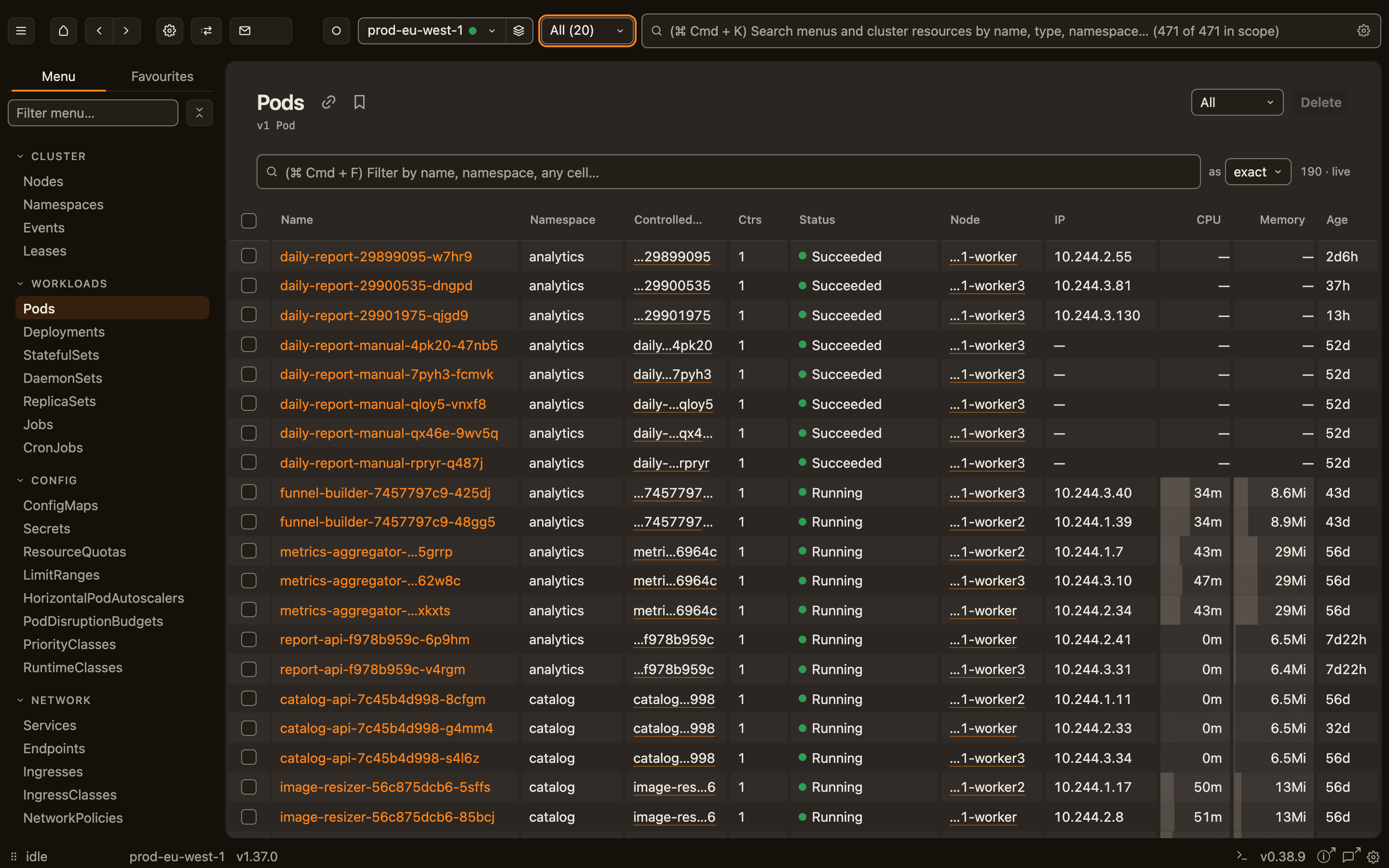
Your kubeconfig, referenced, not copied.
Sternpost keeps a path and a context name, asks before it reads the file, and tints each cluster its own colour.
More →
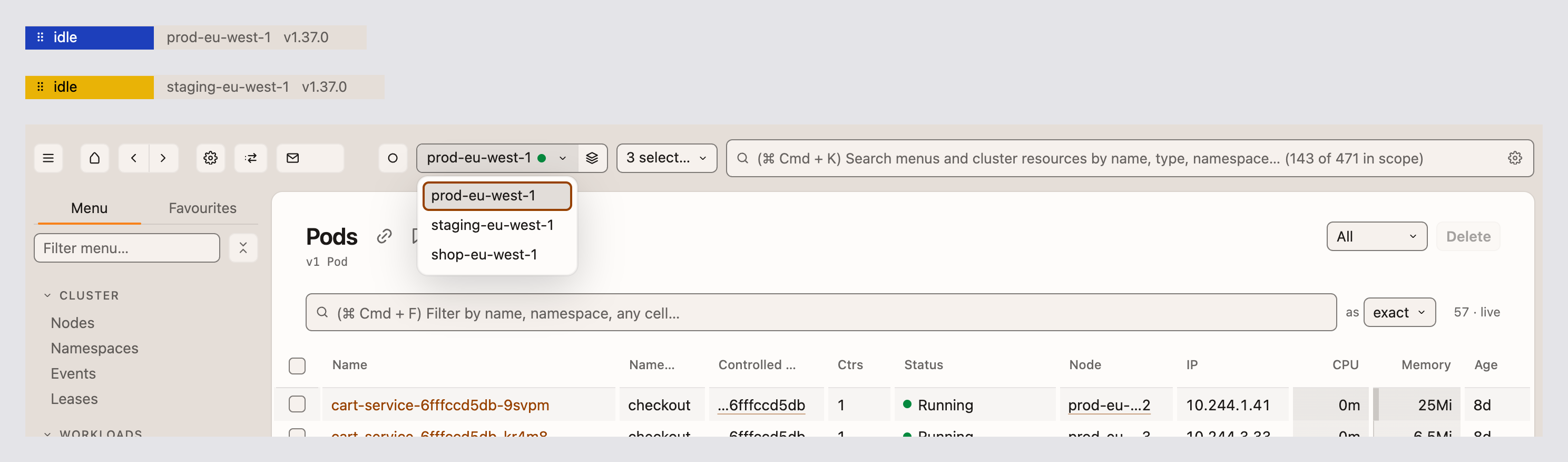
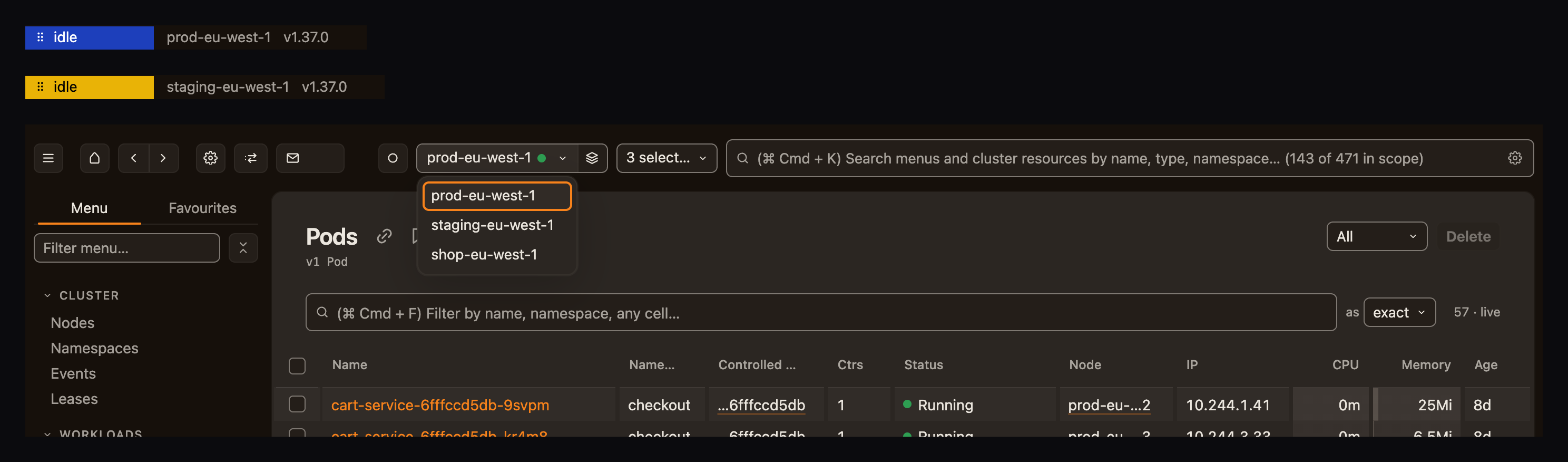
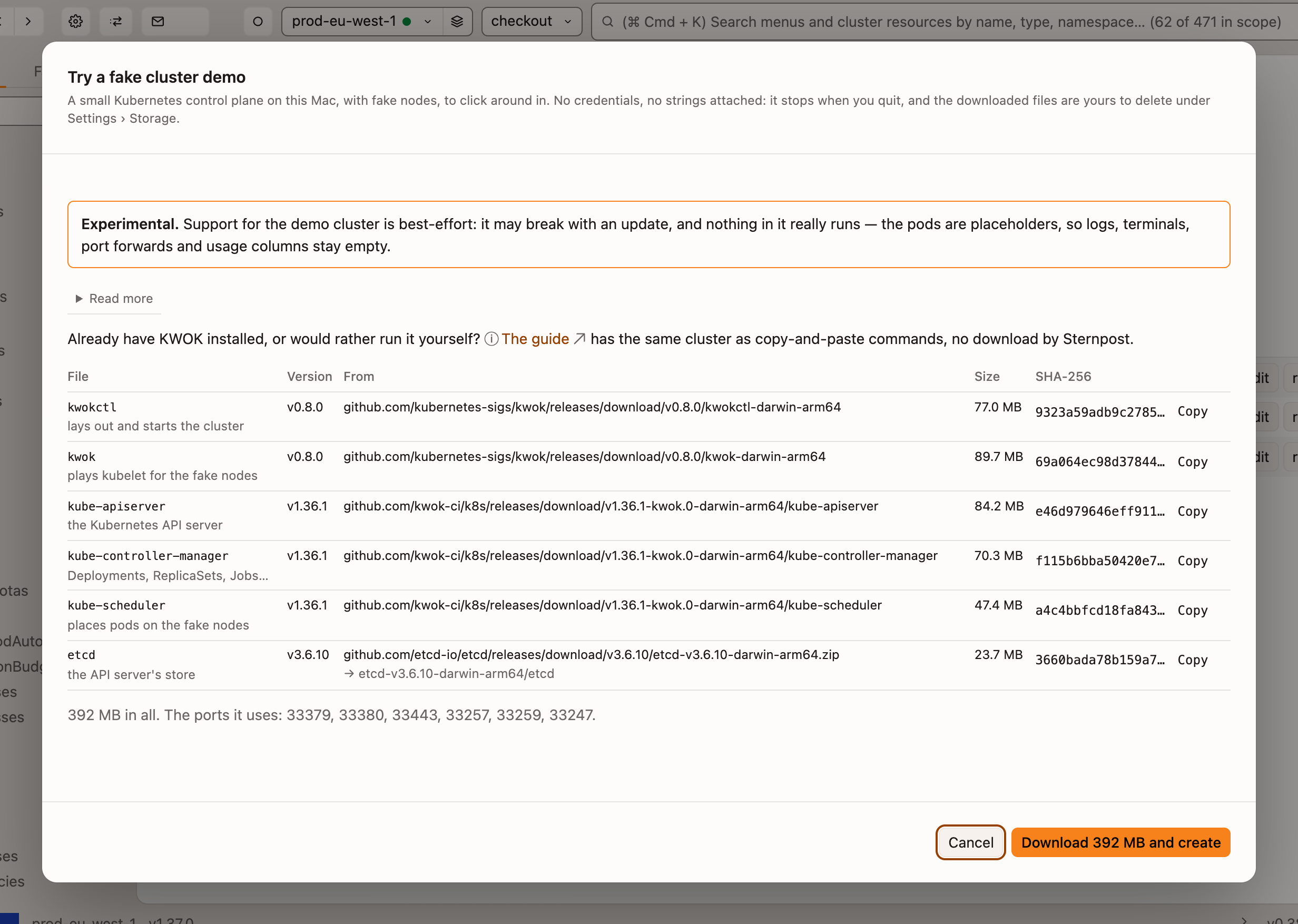
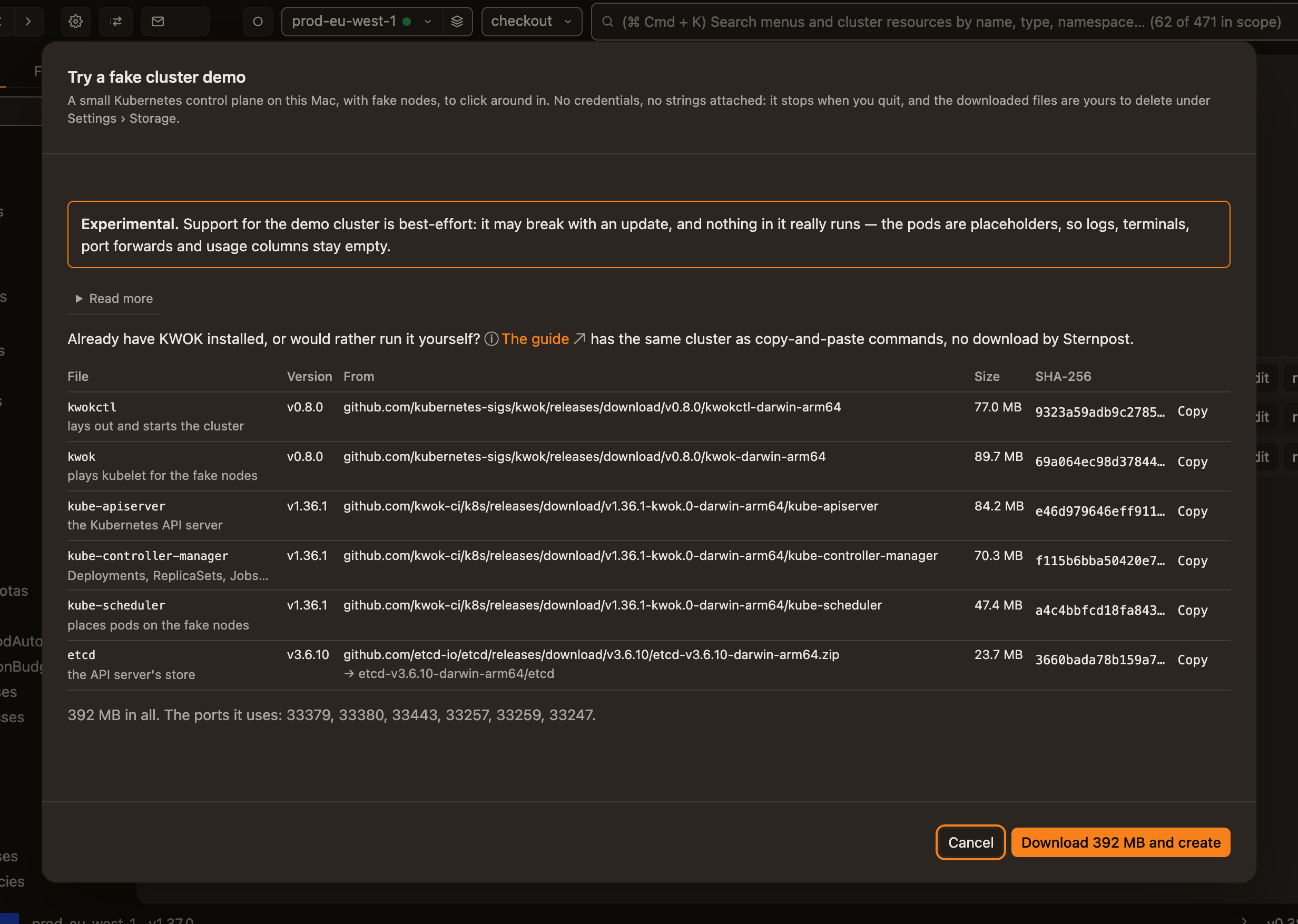
No cluster to hand? Run a fake one.
A small control plane on 127.0.0.1, full of pretend workloads to click around in, nothing on the network.
More →
A link that opens in a coworker's Sternpost.
It names the cluster by UID, grants nothing, and never touches a server of ours.
More →


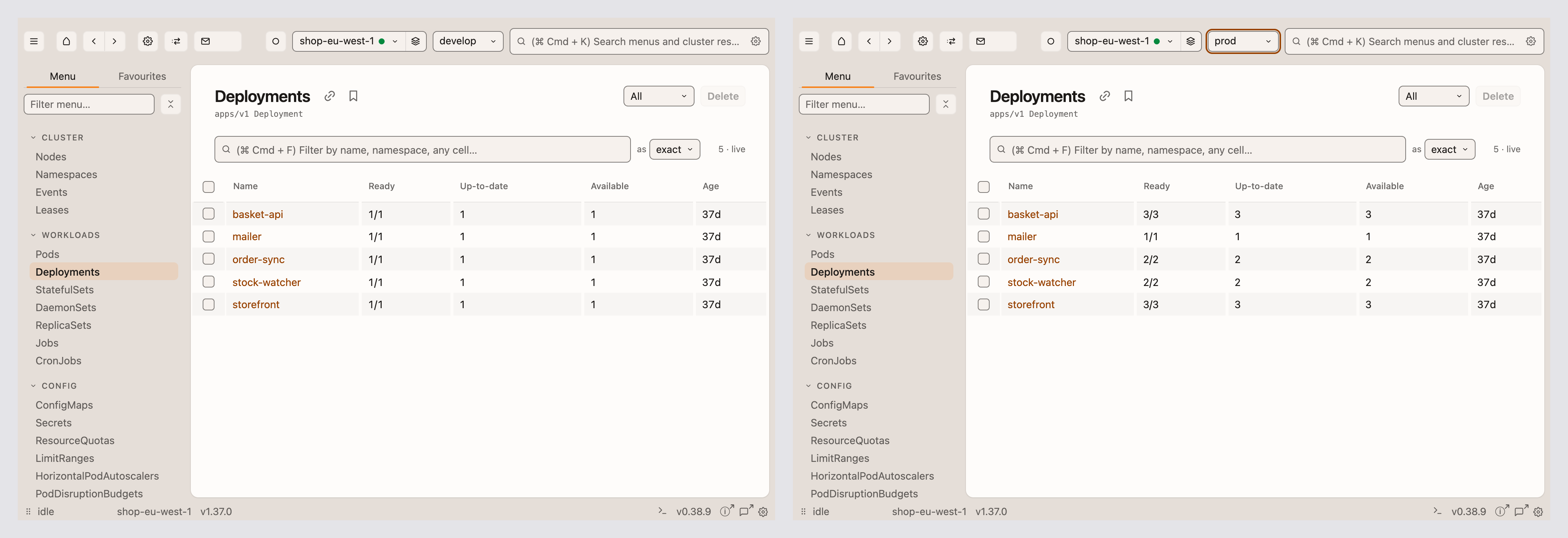
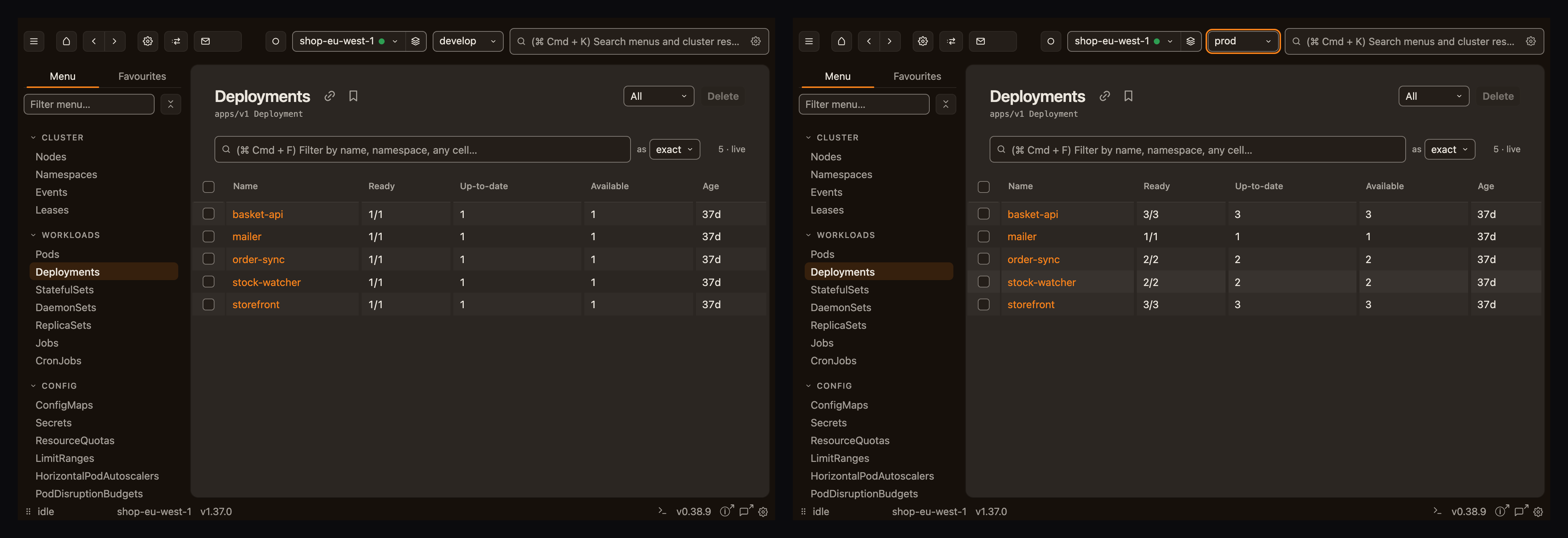
Develop next to prod.
Each window keeps its own cluster and namespace scope, so one can watch prod while the other sits on develop.
More →
Works for namespace-scoped users.
One request per namespace, so you see what you're allowed to and a note about the rest.
More →
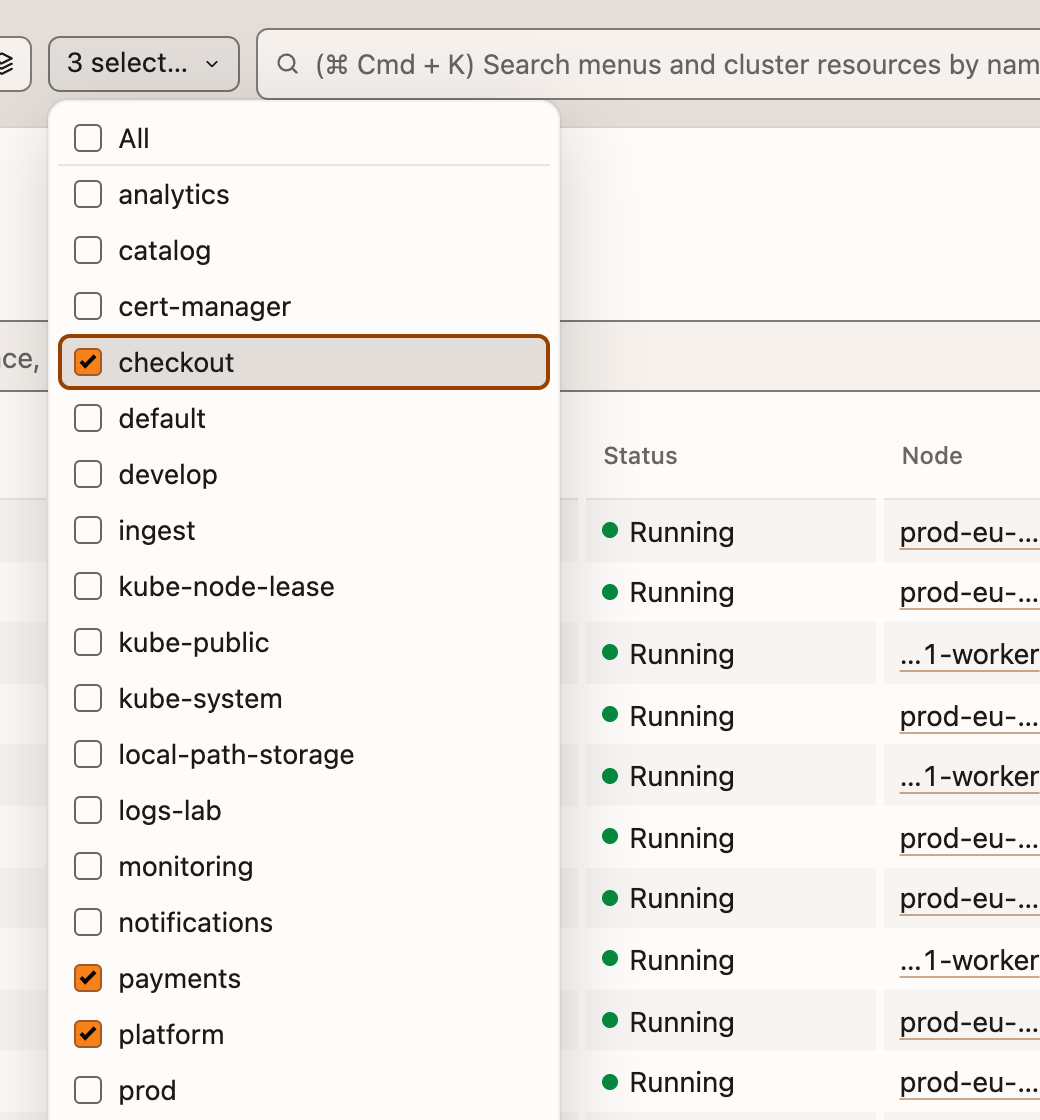
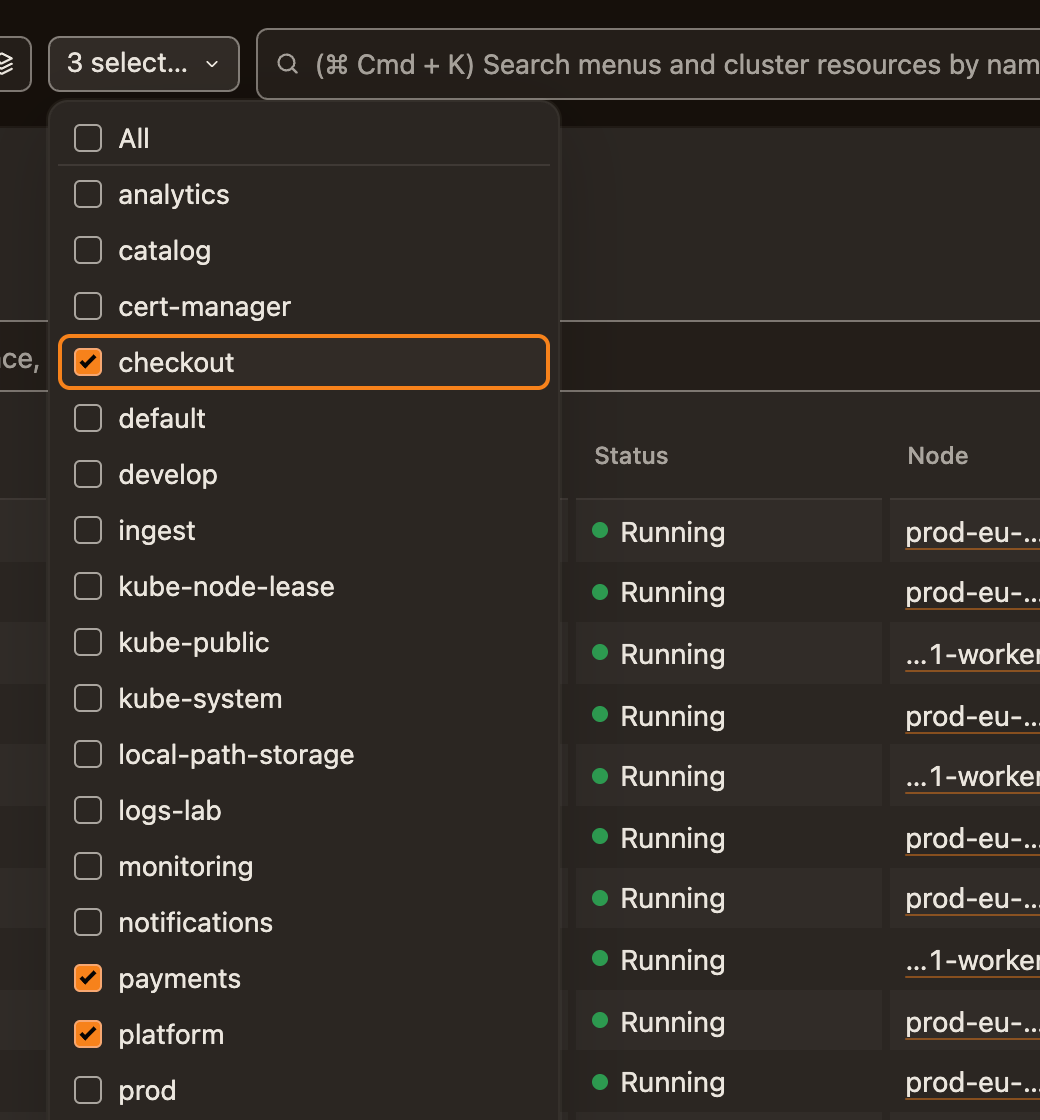
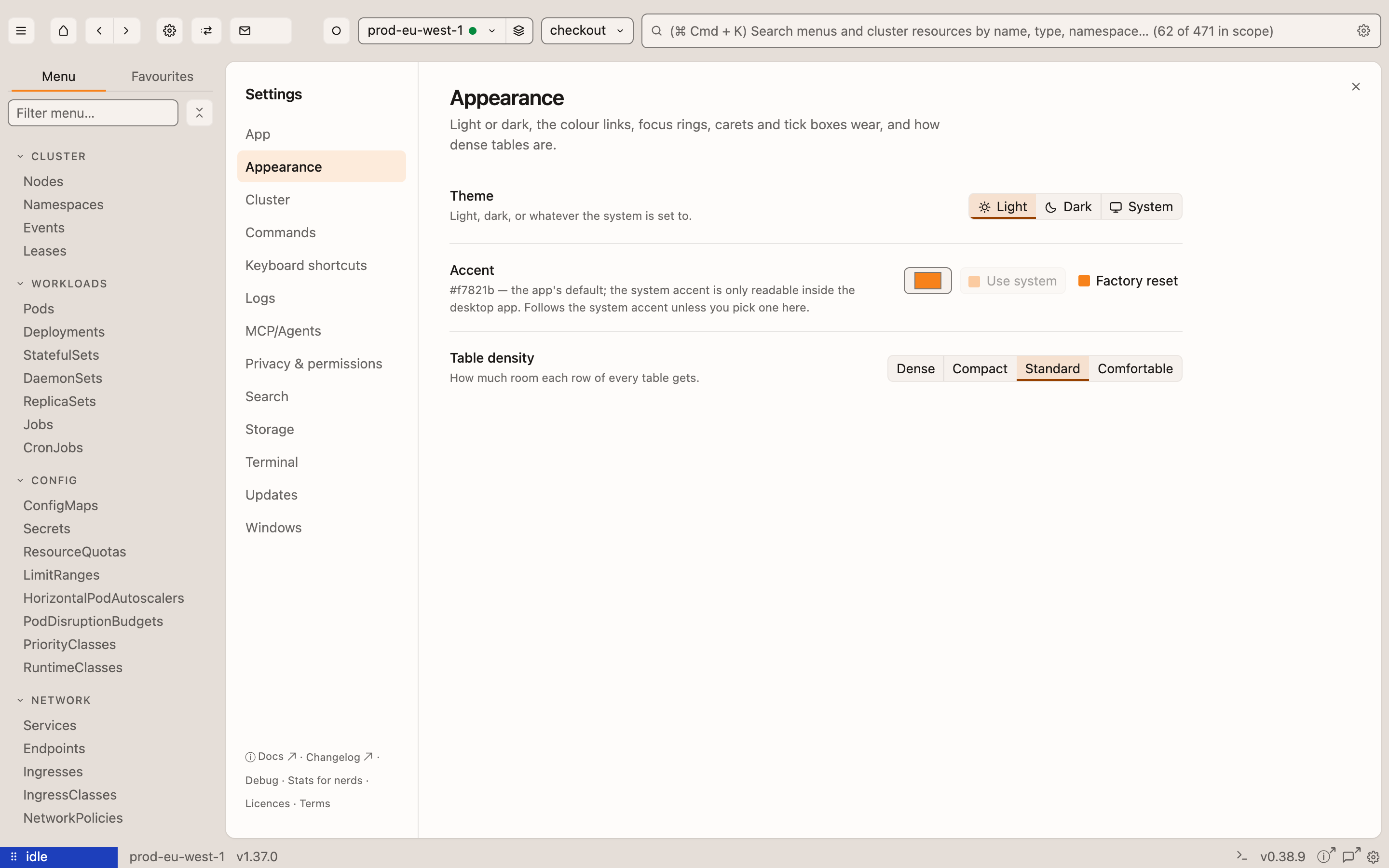
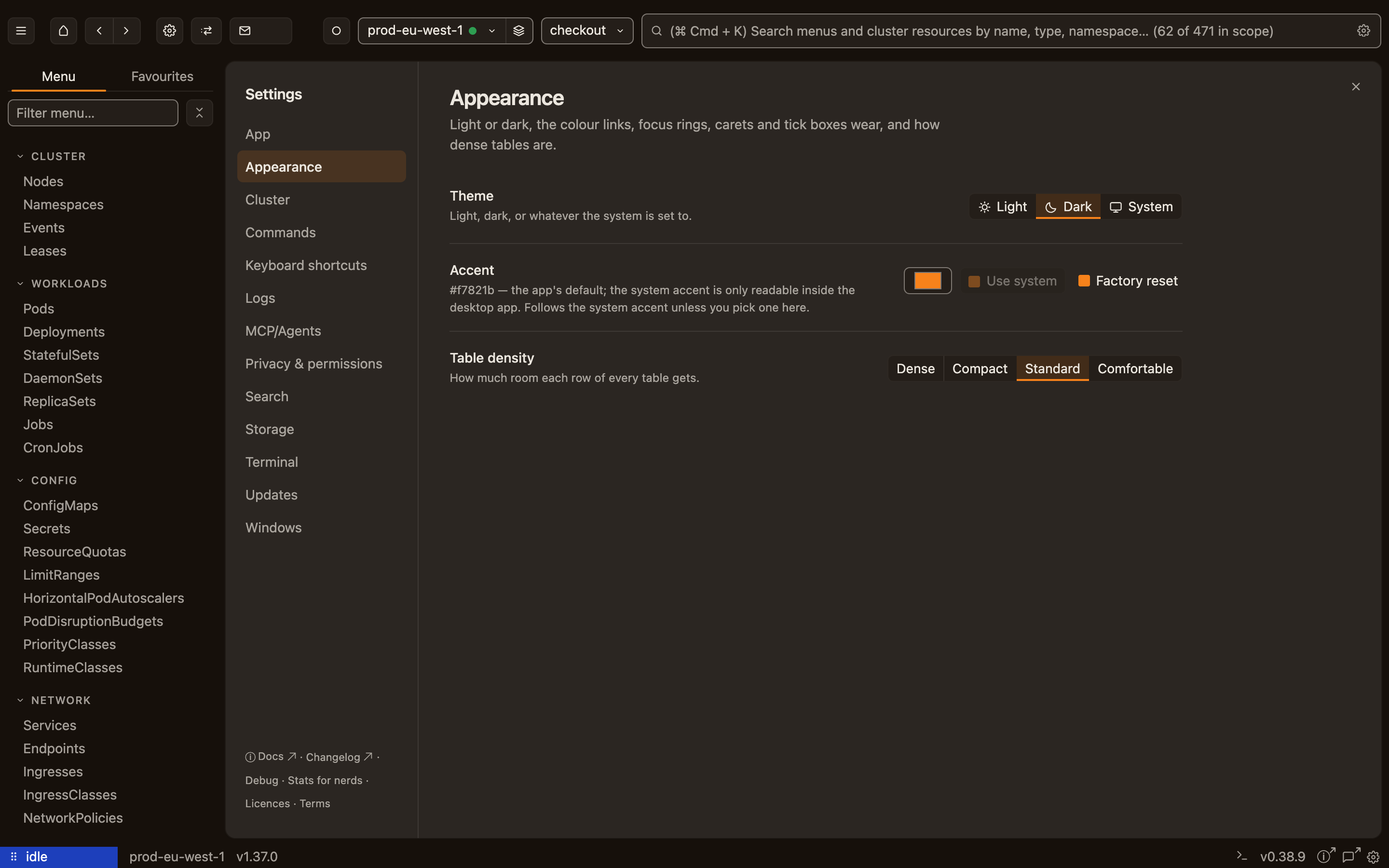
Light, dark, or whatever the OS says.
Every window, the editor, the terminal and the title bar change at once; the accent follows your system, or your pick.
More →
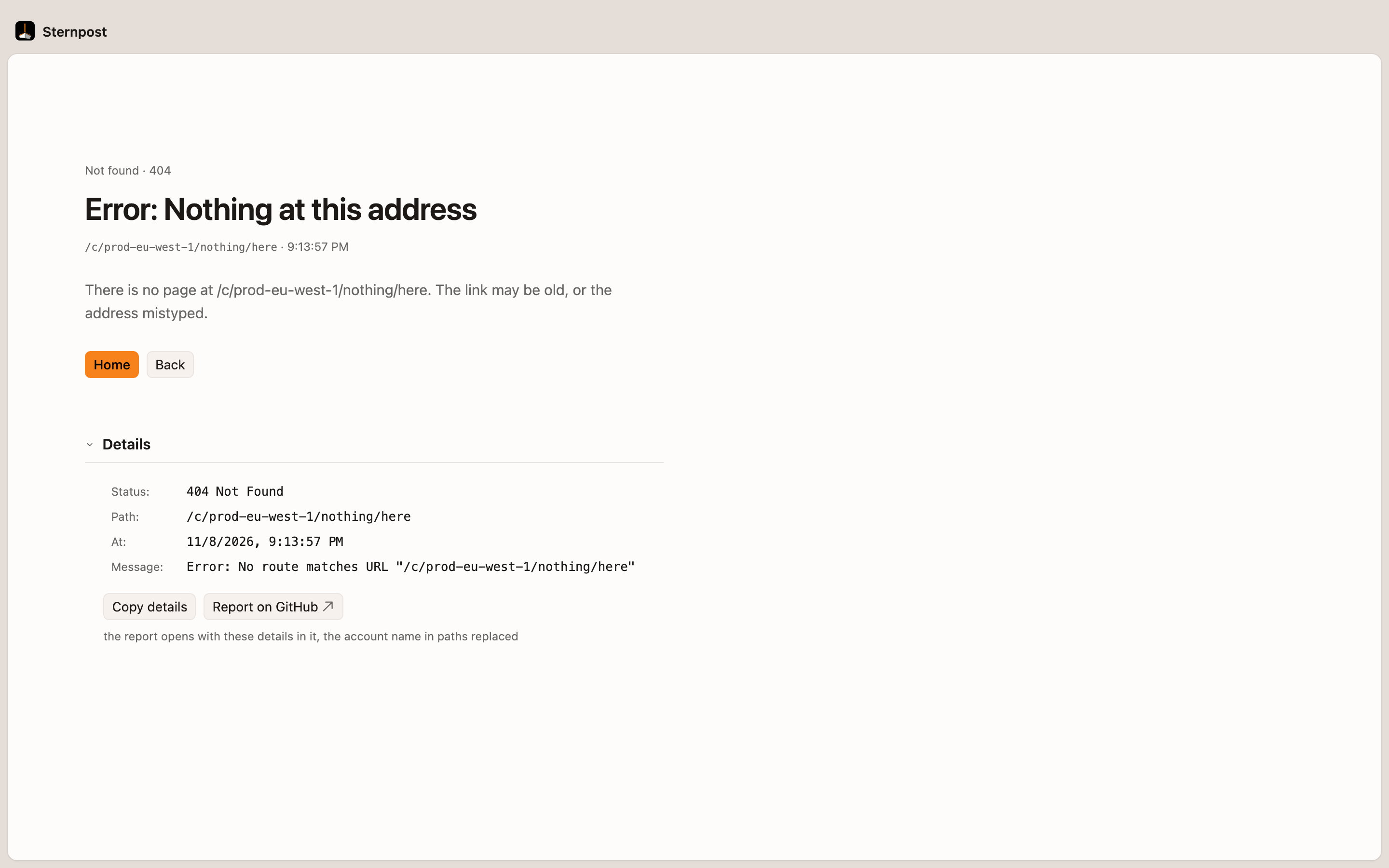
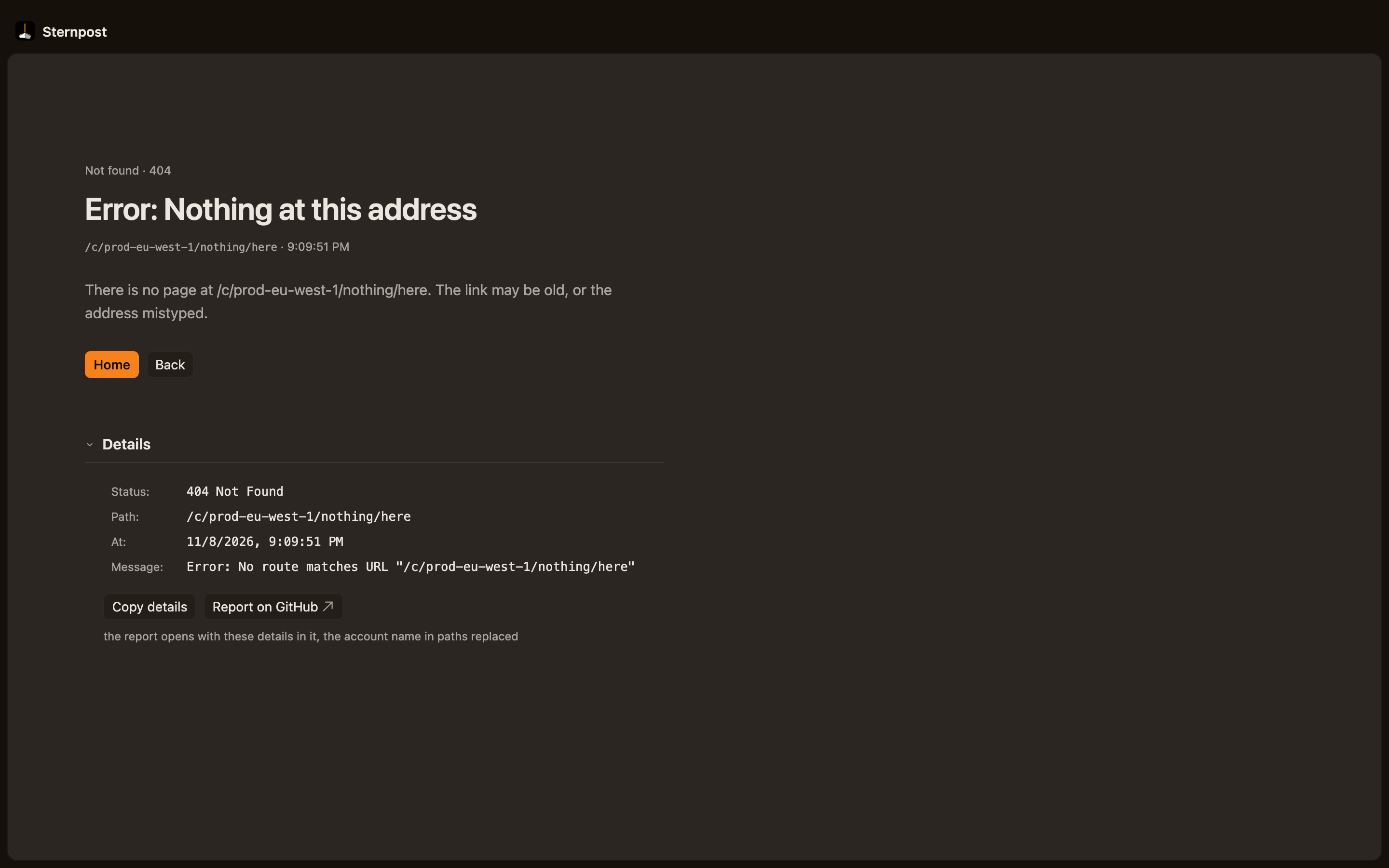
When something breaks, it says what.
Which kind of failure, the way out, and a report with paths, credentials and e-mails scrubbed before you read it.
More →
If you share your kubeconfig with Sternpost, it keeps a path and a context name, nothing more: the credentials stay in your file and are never copied out. Secret values are redacted on screen. Every write is confirmed first and tagged fieldManager=sternpost so you can see it in managedFields. A link you copy for a coworker opens in their Sternpost, on their machine, not through a website.
Try it on a real cluster.
No cluster of your own to try it on? The app can download and run a fake one on your Mac: a real API server with pretend nodes, nothing on the network. Experimental, and Apple silicon only for now. How it works
The beta is for engineers who operate Kubernetes clusters, to use in their work. It's beta software, for professional use only: not for consumers, and you must be 18 or over, or the age of majority where you live if that is higher. The Terms apply.